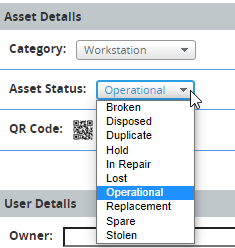
Please add the capability to create and/or change the Asset Status in Assets and/or the CMDB.
This would be really useful. We format our computers between users, but while the computers are wiped they still show up as active on service desk and this has old software showing up on reports. This currently leaves us with 2 options - 1. set a status that does apply e.g. lost (which makes the computer inactive) or 2. rebuild the computer with a random name and no software.
This would be a great feature. We use the On Stock status normally in our current lists but i cannot set this up in here. Need to put it on Hold.Would also be nice to add if a computer is networked or not.
This feature is needed for our organization.
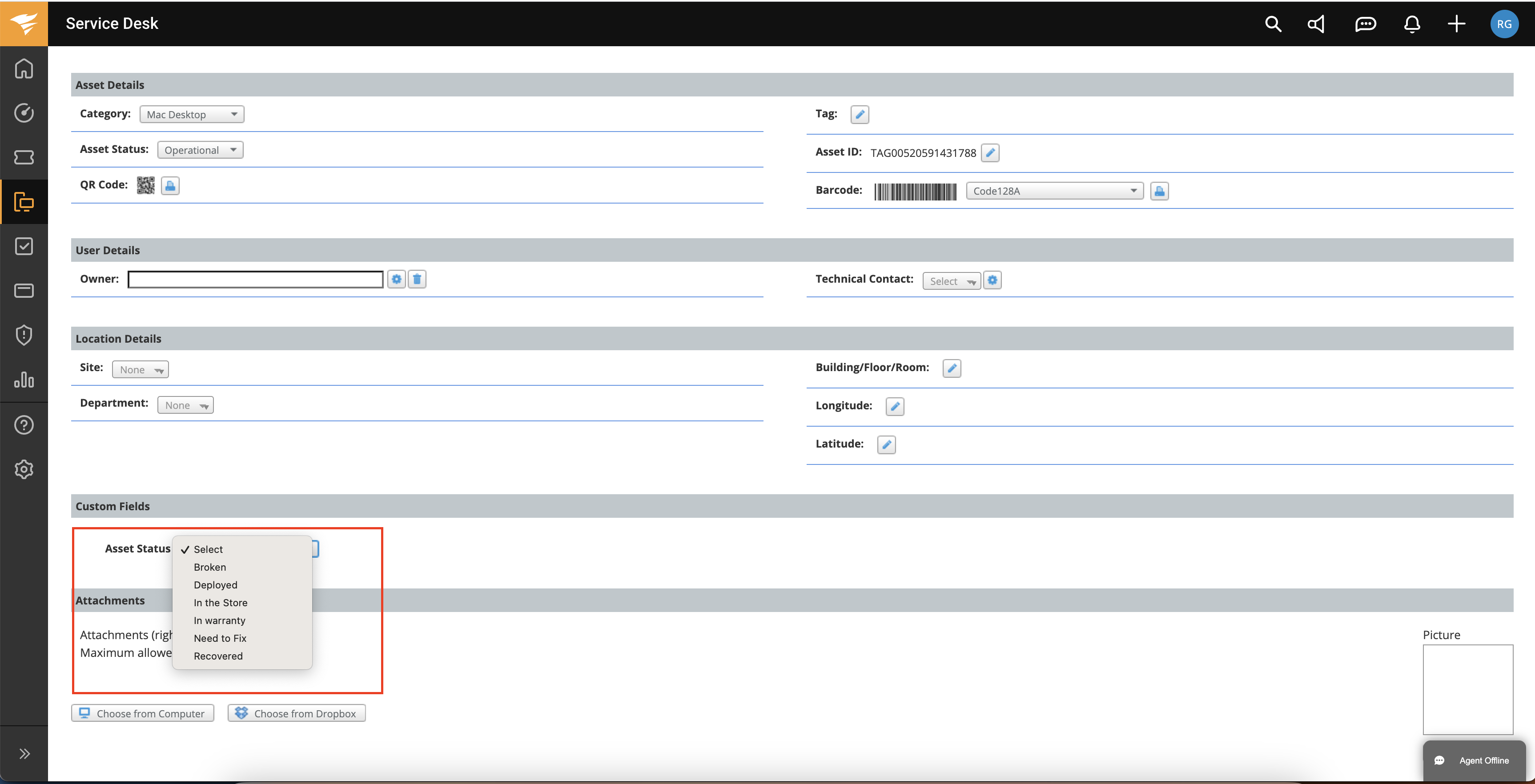
Thank you for this ask.Today it is possible to do that using a custom field and dynamic form rule for example:
Here you have a document on how to guide how to do that: https://documentation.solarwinds.com/en/success_center/swsd/content/completeguidetoswsd/dynamic-form-rules.htm If you need help with that please send me an email: rinat.gil@solarwinds.com
Besides that, we plan to add this ability as part of our roadmap. So thank you .
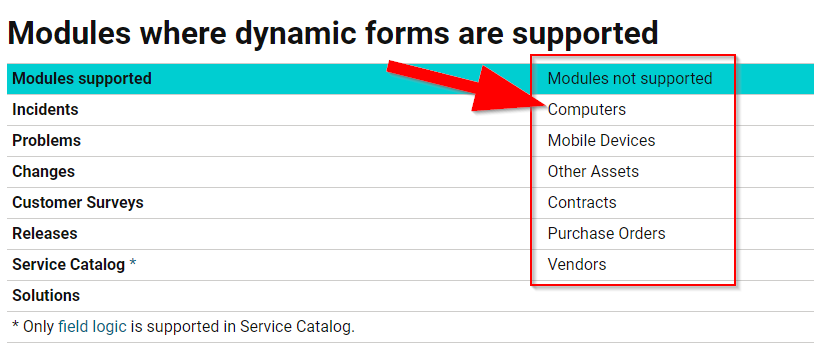
@brandonbaxley thank you for your comment. We will make sure to update our documentaion.
Any update on this request? I'm very interested in having this capability.
2 years later and the documentation still says Computers and Other Assets are not supported. But just now I created a Custom Form with a Custom Field for Asset State then created a Dynamic Rule that shows the Custom Form and it works. It mostly fixes the defect. Now when I open an Other Asset, the very top still shows the default State. But at least in the details it shows the value specified in the Custom Field I created. And when I edited my default View in Other Assets I was able to add that Custom Field column.