Hi,
I thought I'd share a list of bugs and issues that I'm having with the latest version of WHD.
Current list of bugs and issues within WHD 12.7.4.85
Client Interface - Profile Tab:
When editing the Client Profile, the room pulldown list is not in alphabetical order, making is difficult to select a room.
Client Interface – History Tab: FIXED in 12.7.4.85
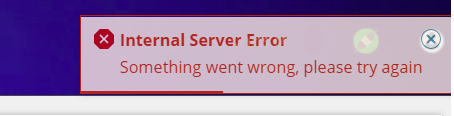
Client interface History tab, the next page (arrows and numbers) of tickets does not load and error appears on screen
Dashboard: FIXED in 12.7.4.85
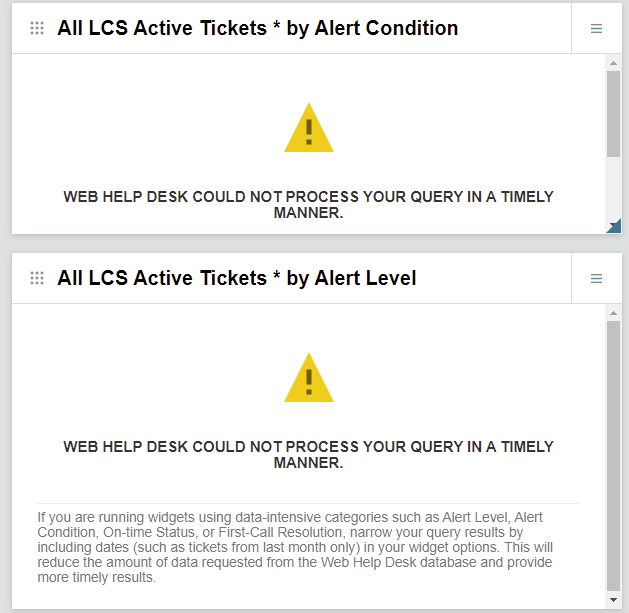
Dashboard cannot display Alert Condition Category or Alert Level
Client Interface – Icon alignment:
client icon and name alignment for profile and History misaligned compare to Request, Assets, FAQs & Message
Client Interface – History Tab: FIXED in 12.7.4.85
clicking Save button does not save Notes added to Ticket, unless ‘+’ plus symbol is press first
Tech Interface – within a Ticket - Status Change
Techs can change the Ticket status to “Closed” using bulk actions even when they don't have tech permissions to do so.
Client Interface – Profile Tab - Editing Profile , Department Field
Department field faint and almost unreadable while editing Profile in client interface

Client Interface – History Tab FIXED in 12.7.4.85
due date shown to clients when disabled in settings
Settings – General – Look and Feel
look and feel preview shows html code instead of webpage (or blank preview with “refused to connect.” message) while using a custom Style Sheet
Client Interface – History – Ticket
Embed Video e.g. YouTube now longer show within client interface tickets and are also not clickable, but still display okay within tech interface
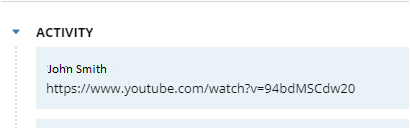
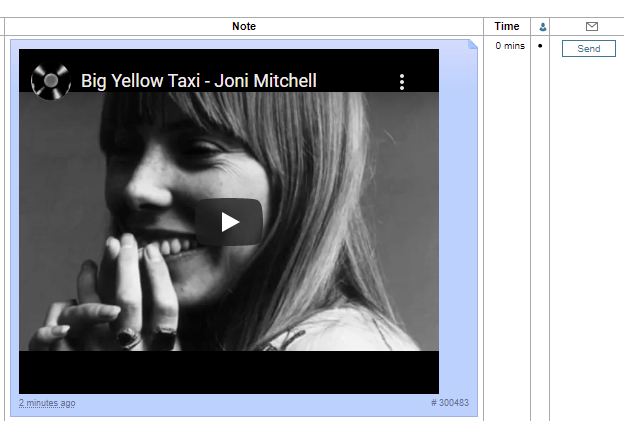
Big Yellow Taxi - Joni Mitchell - YouTube
Additionally, BBCode no longer available anywhere within Client Ticket History tab.
Tech Interface – Tickets – Attachments
unable to open .MSG attached files in Internet Explorer if filename length is longer than so many characters
Tech Interface – Tickets – Notes – Attachments
uploaded 2 documents. Uploaded looked ok but on testing the viewing the documents one opened ok but the other appeared to download as a file called “download” Turned out to be the file name issue “-” is ok but “–” is not. The large hyphen caused the issue. This happened because Windows chose to grammar correct the file name during the saving process as used the same key on the keyboard when naming the document. using Microsoft Edge but I tested download in Chrome and got the same results.
Settings – Tickets – Request Types
View the configuration for a Request Type, you no longer can delete a Request Type, as the button has been removed.
Tech Interface – Ticket Attachments
URLs to attachments with notes allow downloads of attachments even when ticket has been secure deleted
Settings – Tickets - Checklists
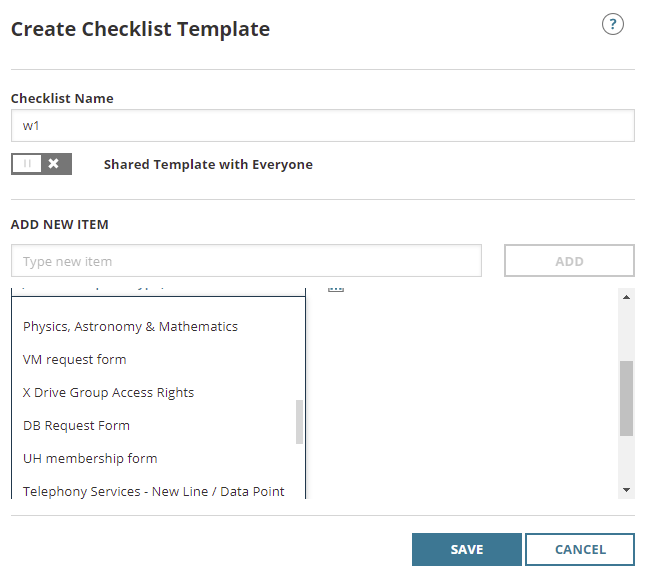
Editing Checklist template, shows deleted request types while assigning a Checklist template to Request Types
Server Application – Windows – portecle.bat
Portecle.bat does run on WHD installation that is not located on c: drive
RRS Newsfeed for FAQs
If a new FAQ is added to a request type, although you can see the FAQ in the client interface it is missing from the FAQ RSS newsfeed. Additional existing FAQs that are edited get removed from the RRS feed when they are updated.
Demo RSS URL can be found here:
https://webhelpdesk.demo.solarwinds.com/helpdesk/WebObjects/Helpdesk.woa/wa/FaqActions/rss?type=rss
/helpdesk/WebObjects/Helpdesk.woa/wa/FaqActions/rss?type=rss
Tech Interface – Tickets – Ticket Filter
When using the Ticket Filter, Request Type filtering is not cleared (after visiting a ticket), when changing to another Request Type or clicking clear. When using the Ticket filter, if a request type is applied to the filter, e.g. HR, it shows the HR tickets, if you then open one of these HR tickets, then go back (using the normal arrow icon, not the browser back button) to the filter view again, when you try to view and filter another Request Type say Marketing, only the HR tickets are viewed. When you click the clear button, still only the previous HR tickets are displayed. Disabling the filter and re-enabling it doesn't clear the view either.
Client Interface – FAQs tab
FAQs not showing on page 2 when click on “Show Details”, reverts back to page 1 view.
Client Interface – FAQs tab FIXED in 12.7.4.85
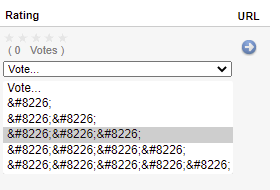
Character codes appear under rating menu
Action Rules – Request Types 'is any of' selection list:
Request Type selection no longer in alphabetical order making it hard to select from Request Types and sub Request Types. They appear in Request Type ID order instead.
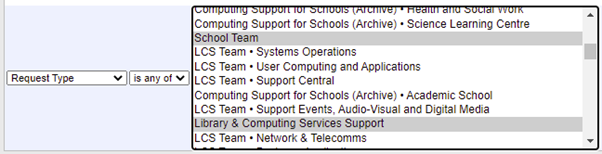
It is also in Ticket Filter:
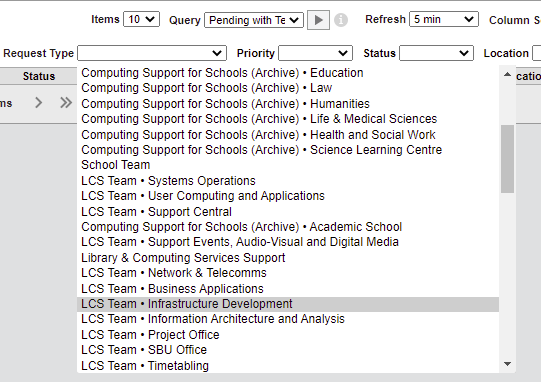
This appeared as of WHD 12.7.4.85
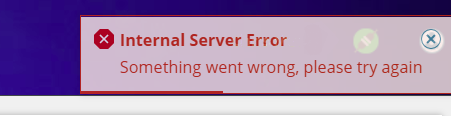
Client Interface - Profile Tab – Room selection save fails for read only Location:
Can’t save a Profile if room is selected and the Location is read only.
Shows the following Error message:
Client Interface – Profile Tab - Editing Profile , read only Department Field
Department field faint and almost unreadable while editing Profile in client interface

Client Interface – History and Profile tabs with no custom Labels support
If you use a labels files for other languages, Client History and Profile text in tabs don't pickup customLabels files.
Custom Labels languages files such as "CustomLabels_fr.properties" are not displayed within Client "History" and "Profile" tabs within client interface, but are working as expected elsewhere within the web interfaces.
e.g. If you have a French browser the text did not translate to French for Profile and History tab.
As of 12.7.X
That's it, so far folks....