Modern Dashboards are stylish and sleek but in order to get the most out of them I've found that it does require some knowledge of SWQL, SolarWinds Query Language. For more information regarding SWQL see here, https://support.solarwinds.com/SuccessCenter/s/article/Use-SolarWinds-Query-Language-SWQL?language=en_US. With that said, I was recently asked to provide a dashboard that contains widgets filtered by specific criteria, in this case custom properties. Now, I'm no SWQL guru, but after some research I was able to put together the requested dashboard.
Request:
To create a widget within Modern Dashboards that shows node status based on multiple custom properties, in this case Business_Region and Client.
Solution:
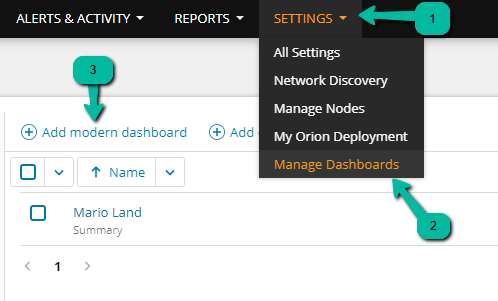
From the Settings menu select Manage Dashboards and Add Modern Dashboard
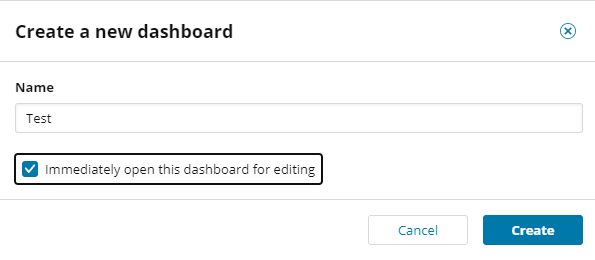
Give your new dashboard a name, click Immediately open this dashboard for editing and click Create.
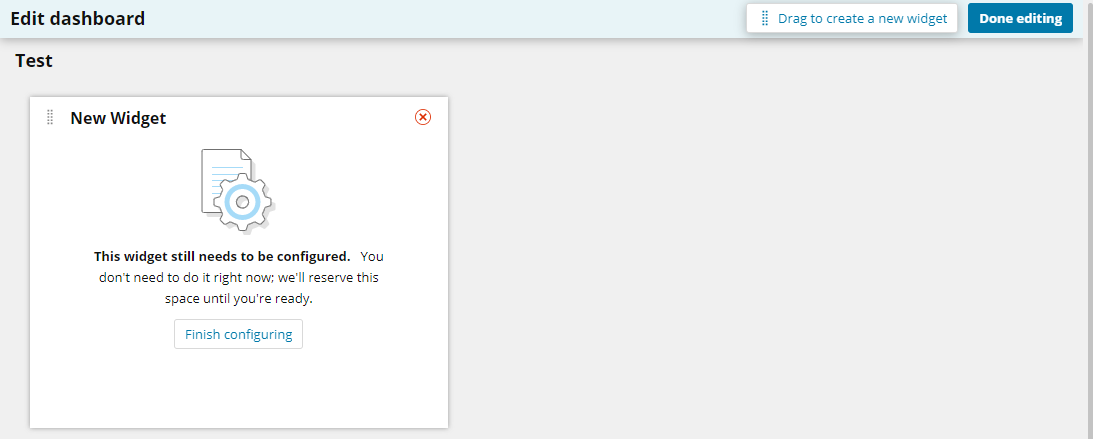
Use the Drag to create a new widget option in the upper right and once the widget appears click Finish Configuring.
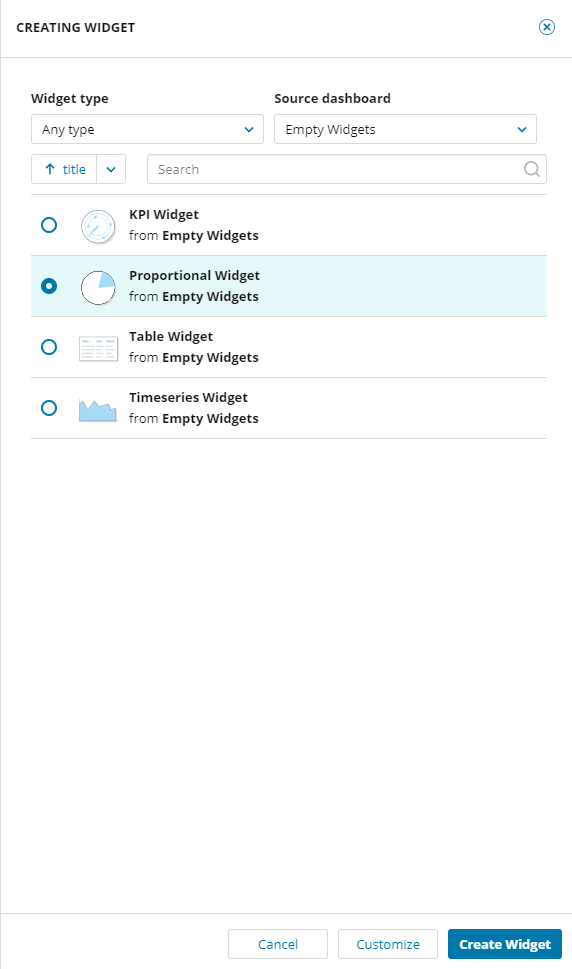
From the Creating Widget view select Empty Widgets from the Source Dashboard and Proportional Widget. Click the Customize button at the bottom.
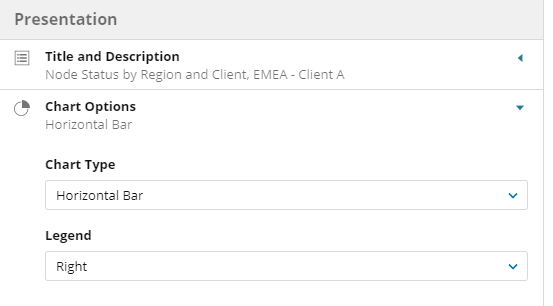
Add your widget Title and Description then select the Chart Type and Legend placement.
I selected Horizontal Bar for the Chart Type and Right for Legend placement.
For Data and Calculations select Hand-edit a SWQL Query and click the Edit button.
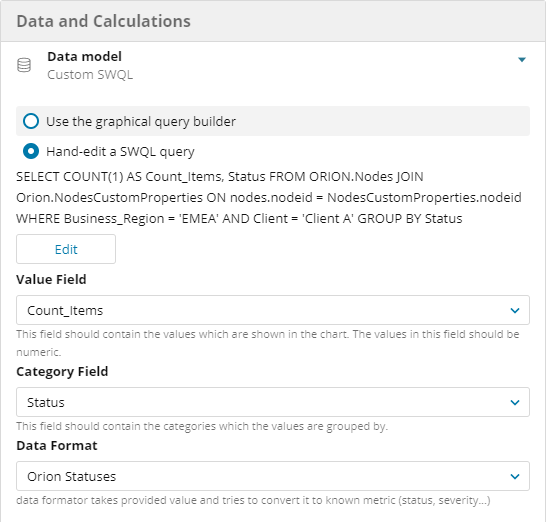
Take the SWQL I have provided, modified with your custom property requirements of course, and paste into the SWQL Query field. You can click the Show Records or Validate Query button to validate the data returned. Once done click Save Model.
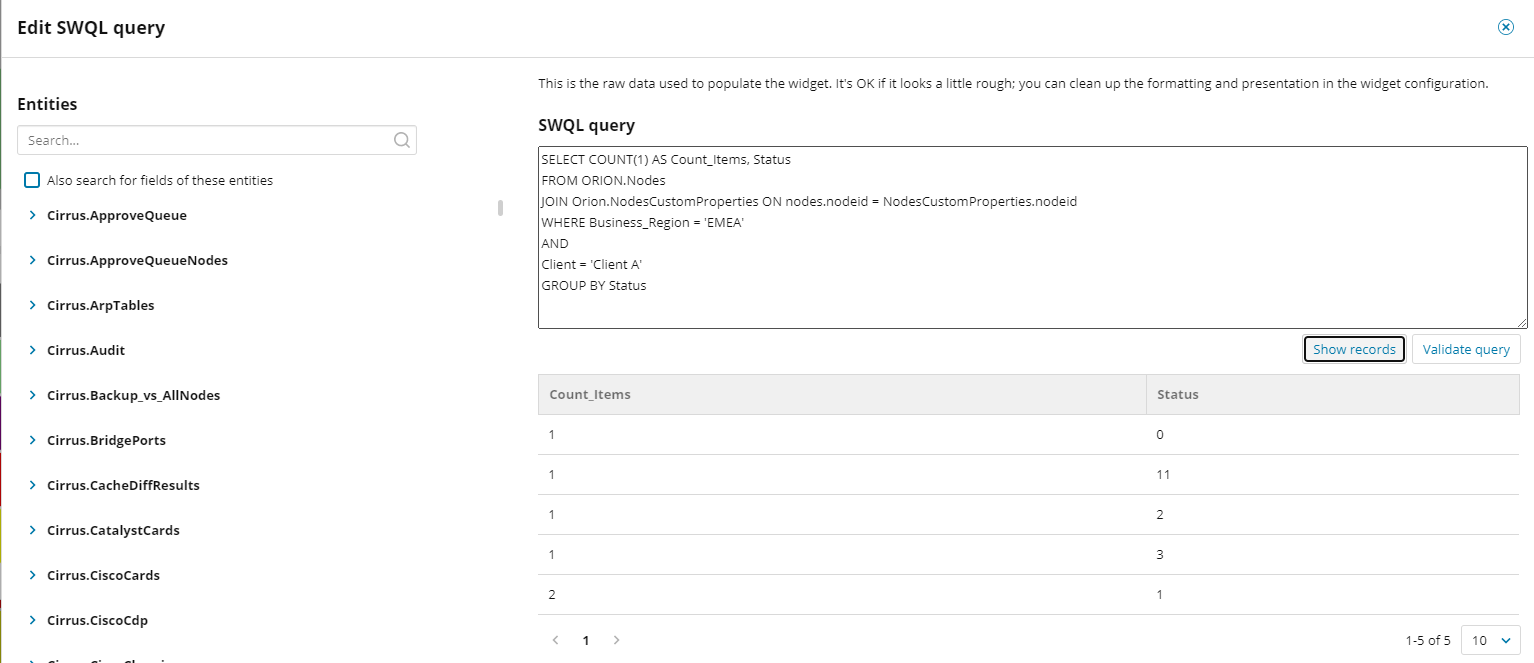
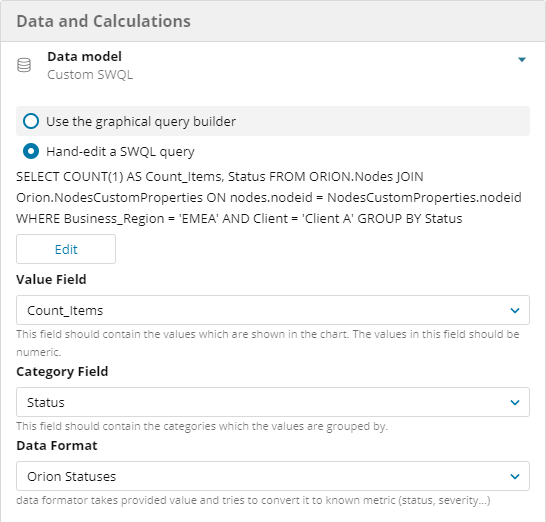
Back at the Data and Calculations menu click the drop down for Value Field and select Count_Items. Next, click the Category Field and select Status. Lastly, click Data Format and select Orion Statuses. Once complete click Save Changes.
Voila! You now have a widget showing Node status based on two custom properties.
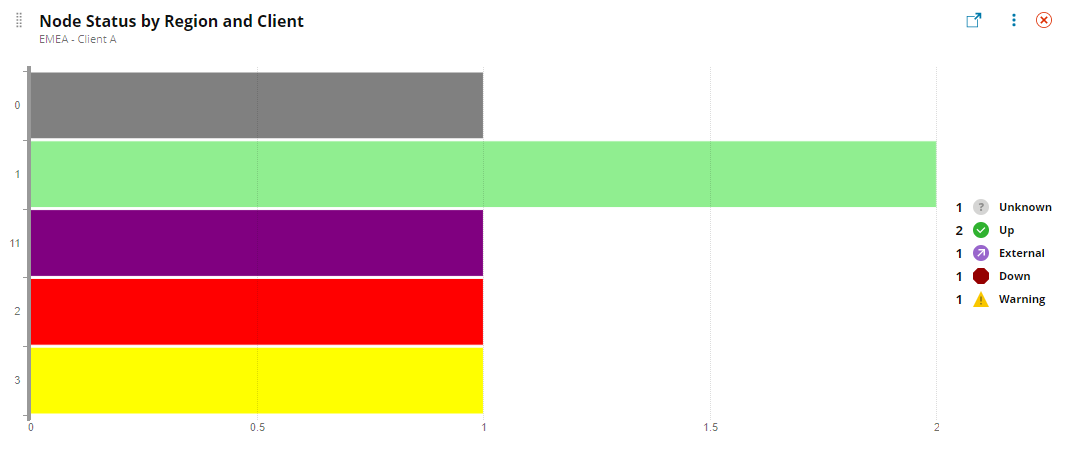
Make sure to modify the below SWQL with your custom properties.
SELECT COUNT(1) AS Count_Items, Status
FROM ORION.Nodes
JOIN Orion.NodesCustomProperties ON nodes.nodeid = NodesCustomProperties.nodeid
WHERE Business_Region = 'EMEA'
AND
Client = 'Client A'
GROUP BY Status