I recently updated my Network Configuration Manager to 7.1 and after the upgrade, I can no longer download configurations from Cisco WLAN Controllers.
You were able to prior to the upgrade?
Trying to figure this one out myself. Here's what I've found so far.
This is a doc from Cisco that shows you how to upload/download from the CLI. I can get it to do this from an execute script and bring the text file of the config into the NCM server. I'm just lost as to what to do once I get it there.
http://www.cisco.com/en/US/docs/wireless/controller/6.0/configuration/guide/c60mfw.html#wp1063879
Step 1 To specify the transfer mode used to upload the configuration file, enter this command:
transfer upload mode {tftp | ftp}
Step 2 To specify the type of file to be uploaded, enter this command:
transfer upload datatype config
Step 3 To encrypt the configuration file, enter these commands:
•transfer encrypt enable
•transfer encrypt set-key key, where key is the encryption key used to encrypt the file
Step 4 To specify the IP address of the TFTP or FTP server, enter this command:
transfer upload serverip server-ip-address
Step 5 To specify the directory path of the configuration file, enter this command:
transfer upload path server-path-to-file
Step 6 To specify the name of the configuration file to be uploaded, enter this command:
transfer upload filename filename
Step 7 If you are using an FTP server, enter these commands to specify the username and password used to log into the FTP server and the port number through which the upload occurs:
•transfer upload username username
•transfer upload password password
•transfer upload port port
Note The default value for the port parameter is 21.
Step 8 To initiate the upload process, enter this command:
transfer upload start
Step 9 When prompted to confirm the current settings, answer y. This example shows the upload command output:
Mode............................................. TFTP
TFTP Server IP................................... 10.10.10.4
TFTP Path........................................ Config/
TFTP Filename.................................... AS_4402_4_2_55_8_Config.xml
Data Type........................................ Config File
Encryption....................................... Disabled
**************************************************
*** WARNING: Config File Encryption Disabled ***
Are you sure you want to start? (y/N) y File transfer operation completed successfully.
Hi, just curious if you got this working. I recently found i have the same issue getting backups from Cisco WLC's although authentication is correct. Perhaps you can forward me to a newer thread with the answer. Thanks!
Hi bonnerz,
Have you tried the template and instructions here?
Cisco Wireless LAN controllers and Cisco WISMs
Regards,
Jiri
Hi Jiri,
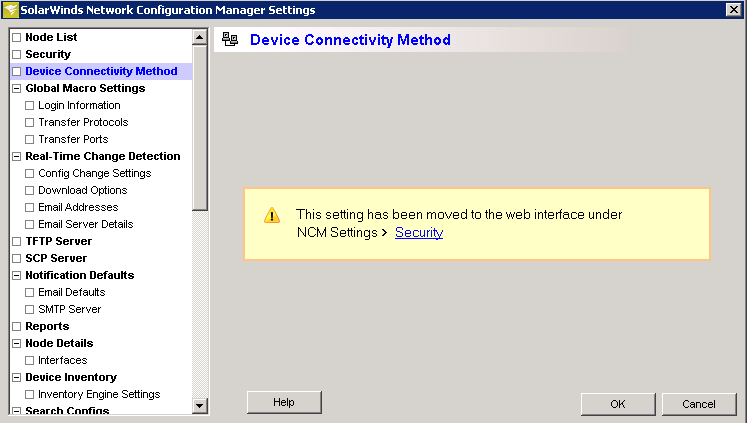
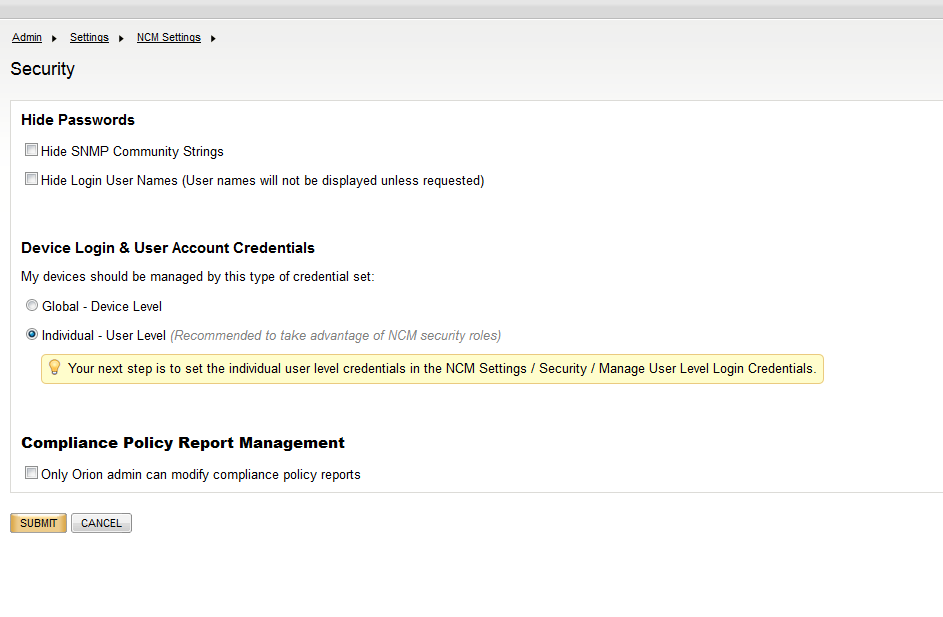
I created the template and put it in the correct folder location, but I cannot find where to choose the template for the WLC nodes. I read that in order to get the option to choose templates I need to modify "Device Connectivity Method" settings. However; when I browse to that location (file > settings > device connectivity method) I see the attached error message. Then I go to Security settings in the web interface and I do not see any option to enable templates/device connectivity methods. Any ideas?