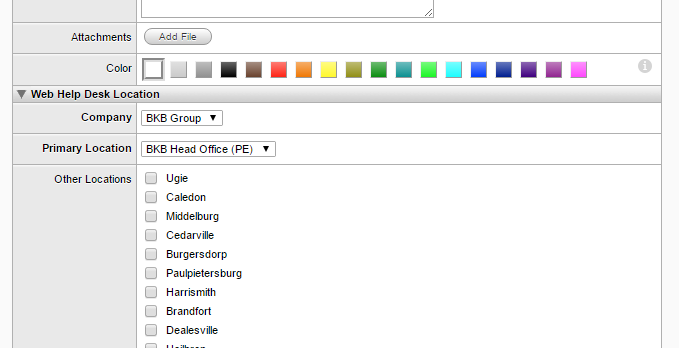
I can't figure out how to make multiple choices or popup menu options appear for the end users to select an answer.
Hello,
In the "options" field you add your items divided by ";". For example:
test1; test2; test3; test4
This should give you (depending on what you have chosen in Type) either a popup menu or multiple choice list of:
test1
test2
test3
test4
Regards,
Eberhard
Thank you for your help! I knew it had to be something simple I wasn't doing.
You can also add the first option to be blank in a popup menu if you use a ; before the first item in the list. That way it will appear blank to the end user, and they will know to use the dropdown to select an option.