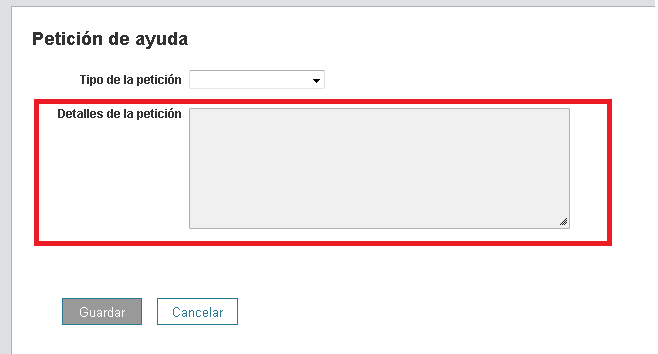
How can I Hide the field "request detail" On the client's main screen without choosing the type of request?
I have the idea to show only the field "Type request" and when the users select the type of request, this field will appear.
It is not possible to hide the request detail box before a Request Type is selected.
It is only possible (using the setting for each Request Type that mbelcik mentioned) to hide it once the user has chosen a Request Type.
In setup, go to Tickets > Request Types > Select your parent request type. There is an option to "Hide request detail" near the top.
Thank you for your answer.
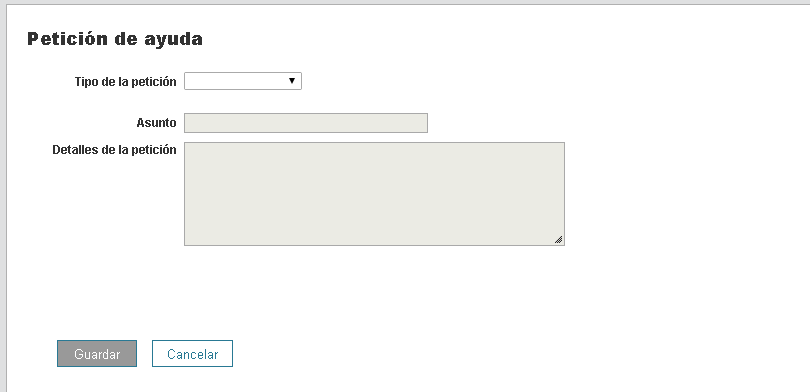
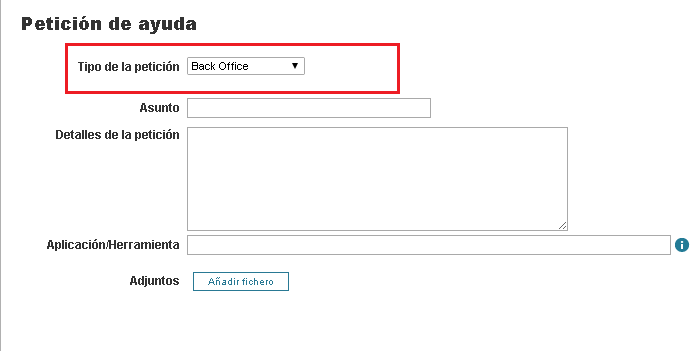
I can do it with "Parent request type", But I'm talking about the first screen. Before choosing the Request Types with the client profile.
Without "Request Type"
With Request Type
Now Do you understand me?
Regards.