01.) Navigate to Settings > Manage Nodes and verify Nodes category is selected.

02.) Search for the required Nodes and click on LIST RESOURCES.
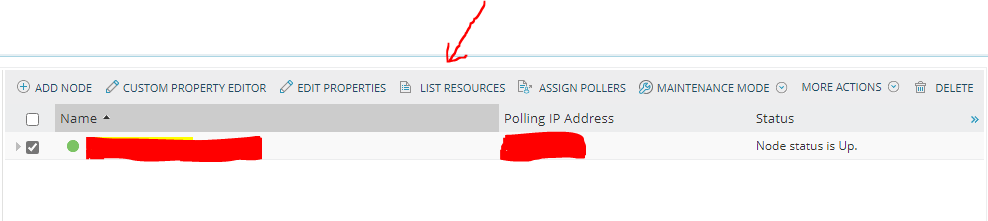
03.) From the list, select the required Interface and put a tick.
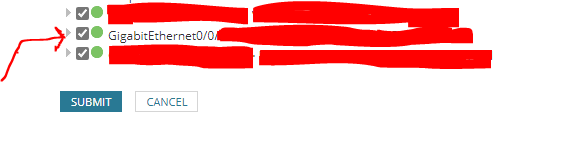
04.) Repeat the steps mentioned in (02) and (03) depending on the requirement.
05.) After setting up the Interfaces according to the required Nodes, navigate to MY DASHBOARD > HOME > Orion Maps.
06.) Click on NEW MAP.

07.) Search for previously configured Nodes below.
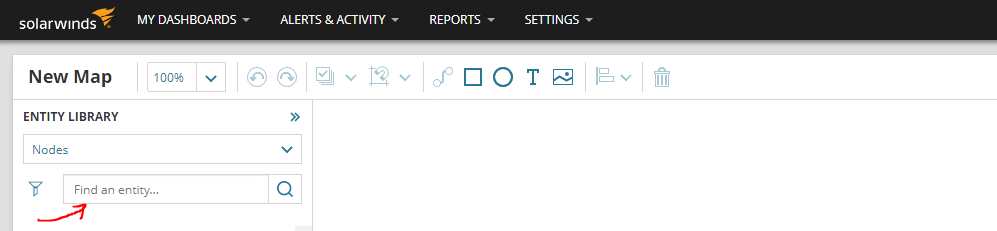
08.) Select the Nodes and Drag and Drop them from Right to Left.
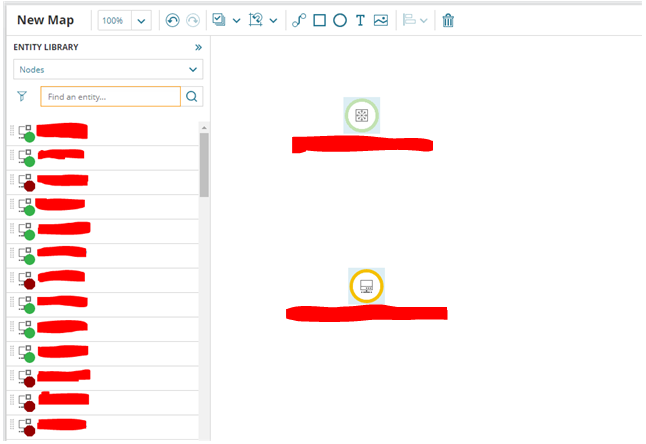
09.) Select all the Nodes which are on the Left side and click on the Connector icon and you will see the below.
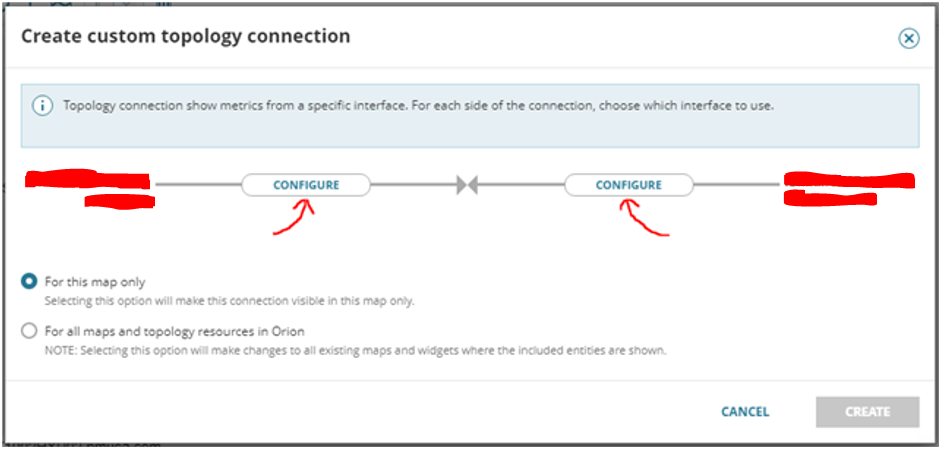
10.) Click on Configure and select the previously added Interfaces accordingly. ( Step 03 )
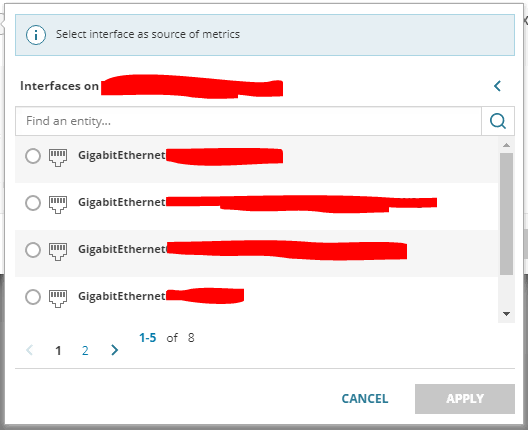
11.) Repeat the steps mentioned in (07) (08) (09) and (10) to complete the WAN Map.
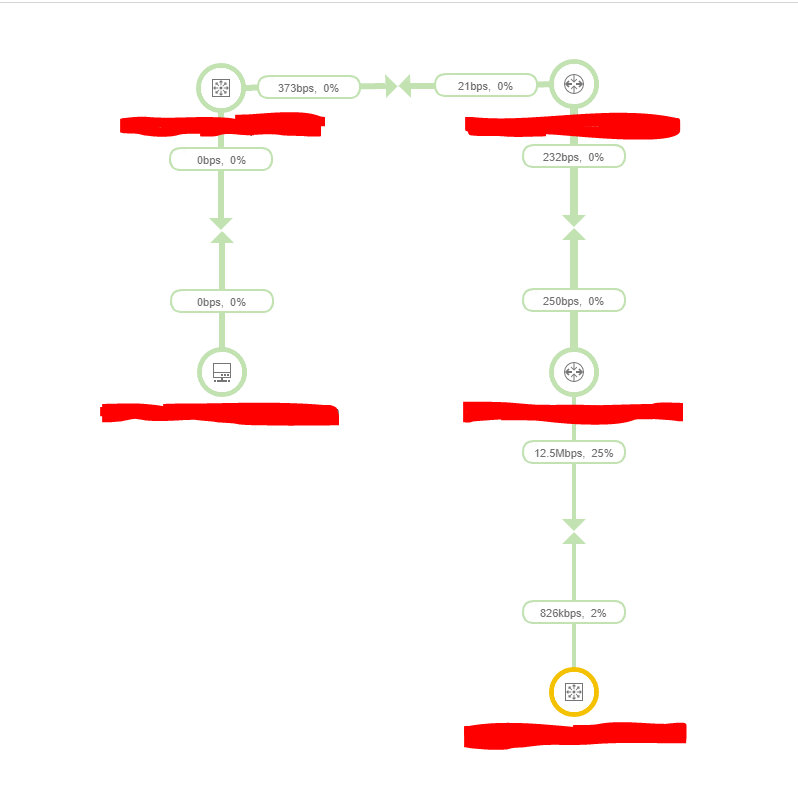
12.) After the sync is completed, you will see your WAN Monitoring and Map are operational.
