Honestly, I am not sure what you are looking for, but if you are talking about Orion Diagnostic logs its just a bundle that package all logs from SolarWinds Orion Platform into a zip file. These logs can be read by any text editor just like a normal file. If its something else that you are referring to on this post then please ignore my response.
Below links will help you with 2 different approaches to pull the Diag but this doesnt help your query though.
https://support.solarwinds.com/SuccessCenter/s/article/How-to-gather-and-send-a-diagnostics-file-to-SolarWinds-Support?language=en_US
https://thwack.solarwinds.com/resources/thwack-tech-tips/b/ttt-videos/posts/how-to-run-active-diagnostics-and-save-for-historical-reference-in-the-orion-platform
__PRESENT
I dont think their internal tooling are public. But I would just grep on 'ERROR' (case sensitive) and it will get you fairly close. Active diagnostics is also a good place to spot check for issues. I would also look into orion insights if you have not tried it before.
I use: Tracelog - Windows drivers | Microsoft Learn
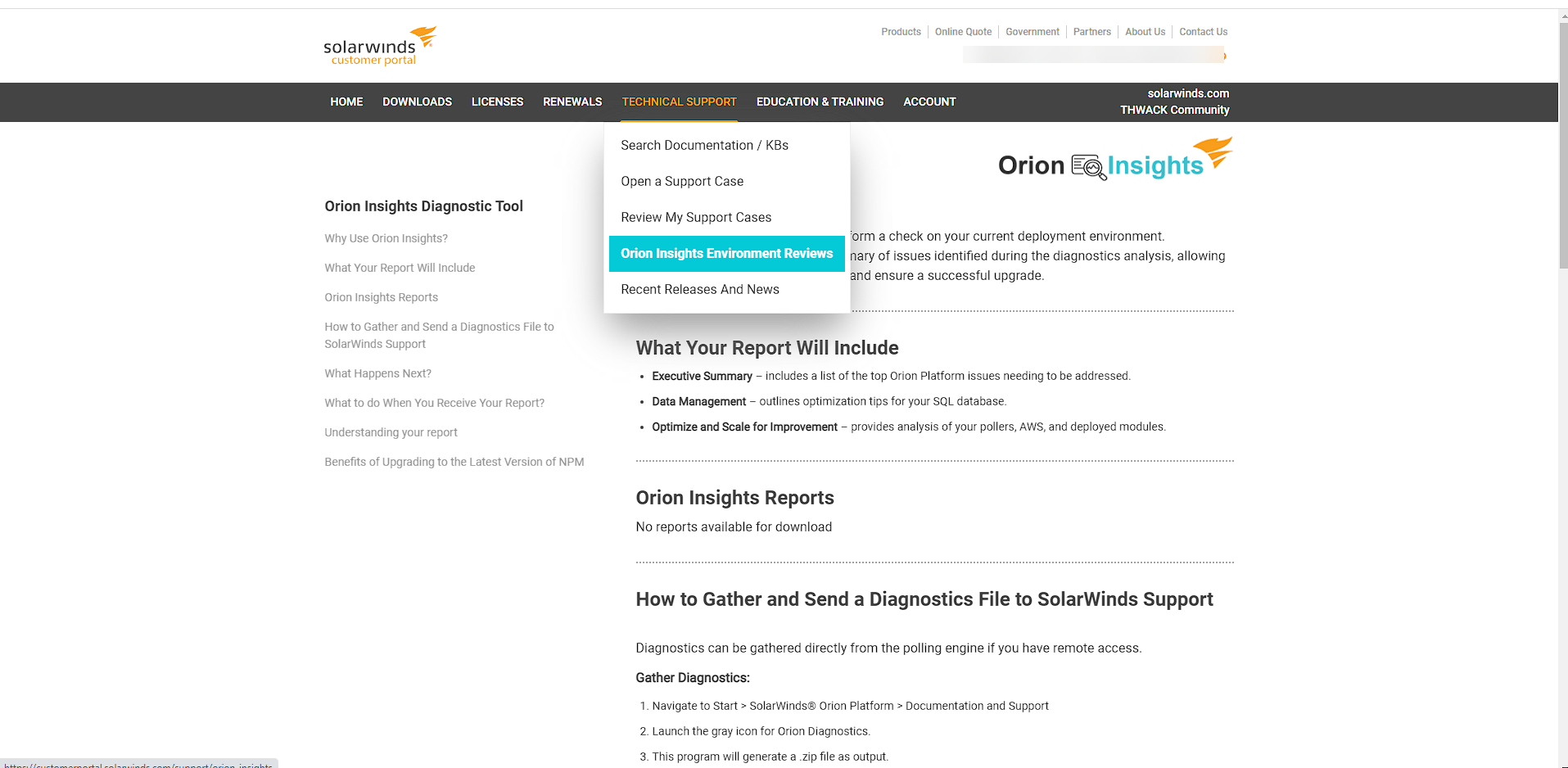
Are you referring to Orion Insights? I think it is available via the Customer Page Portal. You need to submit the Diagnostics. Technical Support >> Orion Insights Environment Reviews
Cisco ASR Devices.pollerCisco ASR Devices
SWQL is built on the framework of SQL and as such supports most of the standard clauses as part of a query. A very simple example query is: SELECT Caption, IPAddress, Vendor, ResponseTime FROM Orion.Nodes Dissecting this query is relatively straightforward: show some fields (Caption, IP address, Vendor, and Response Time)…
Active SSL Tunnels-ASA.UnDPThis poller *should* display the number of Active SSL VPN (Anyconnect) Tunnels currently connected to your box. However, I tried it with my 5520 running 8.0.4 and for some reason I get a OID Not Supported. Here's my post in the forum: *EDIT* This is confirmed working with at least Interm release…
HP ProCurve Switches Hardening check.xmlGeneral hardening for HP switches