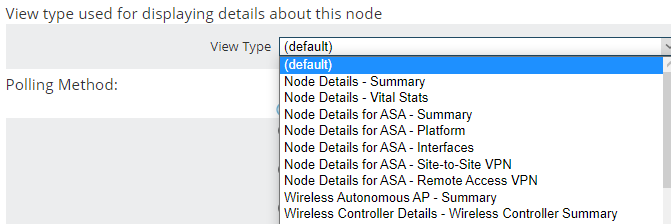
There are a lot of nice custom SWQL queries shared on Thwack  If you would like to add one of these to you dashboard pages and you have admin access to your system follow the instructions below to add a Custom SWQL Widget.
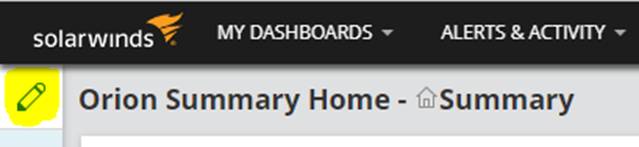
In upper left corner, hover over this then click Customize Page
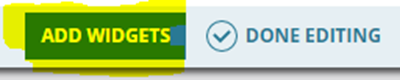
On the upper right click Add Widgets
Type in Custom Query and click the search icon
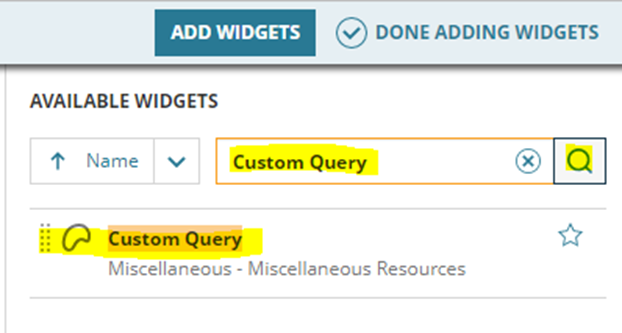
Drag the Custom Query widget onto your dashboard
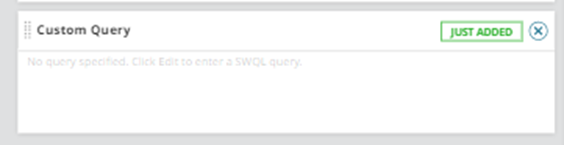
Click Done Adding Widgets

Click Done Editing

On your dashboard screen click Edit on your new widget
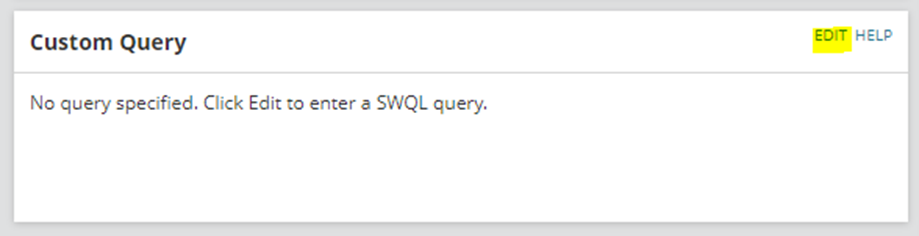
Fill in any information you want to change and place your SWQL query into the Query field then click Submit
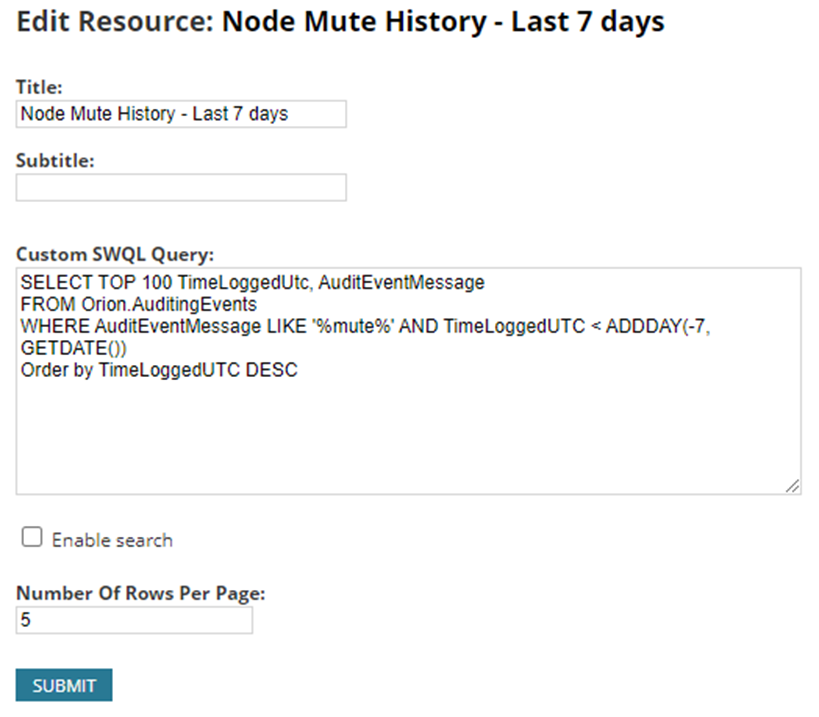
Done! Enjoy your new widget