Just like many others, I found myself wanting to have my custom properties in a specific order instead of alphabetically.
I created a custom resource under Node Details with the following :
for the sake of this discussion I have removed most of cells because the code is 4 pages long.
<table border="1" style="width:600px">
<tr>
<tr style="background-color: #E3DEDE;">
<td>Address:</td>
<td>${Address}</td>
</tr>
<tr>
<td>City:</td>
<td>${City}</td>
</tr>
<tr>
<tr style="background-color: #E3DEDE;">
<td>State:</td>
<td>${State}</td>
</tr>
<tr>
<td>ZipCode:</td>
<td>${ZipCode}</td>
</tr>
<tr>
<tr style="background-color: #E3DEDE;">
<td>TelephoneNumber:</td>
<td>${TelephoneNumber}</td>
</tr>
<tr>
<tr style="background-color: #E3DEDE;">
<td>Website:</td>
<td>${Website}</td>
</tr>
</table>
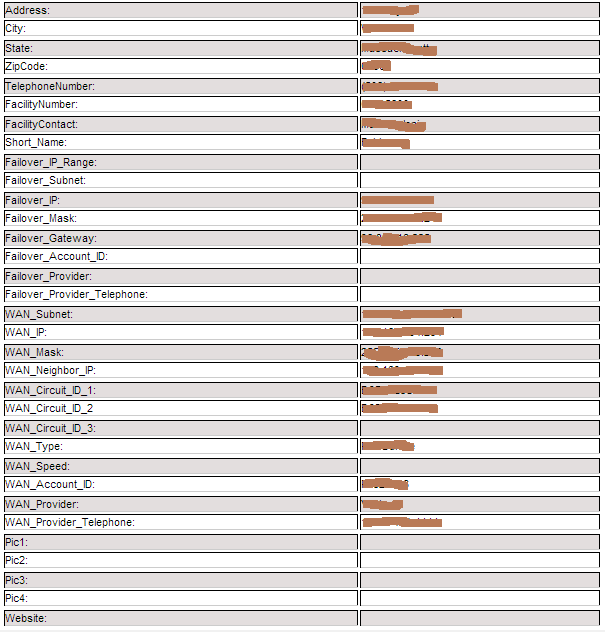
My Question:
Is there a way to hide the cells if they are not populated using style display?
Update: Is there a way to remove the entire row if cell on right is empty....?
Thanks