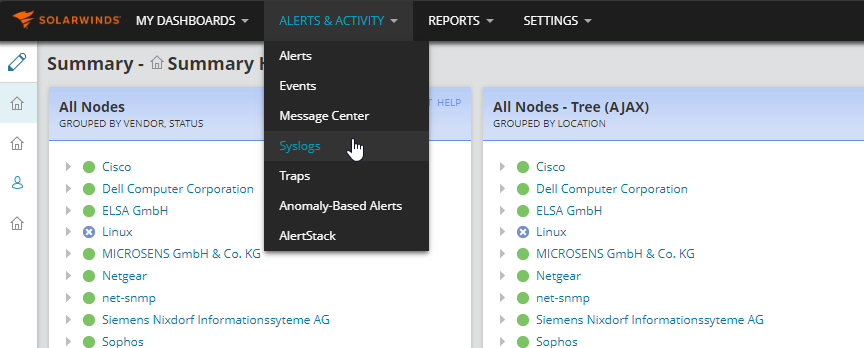
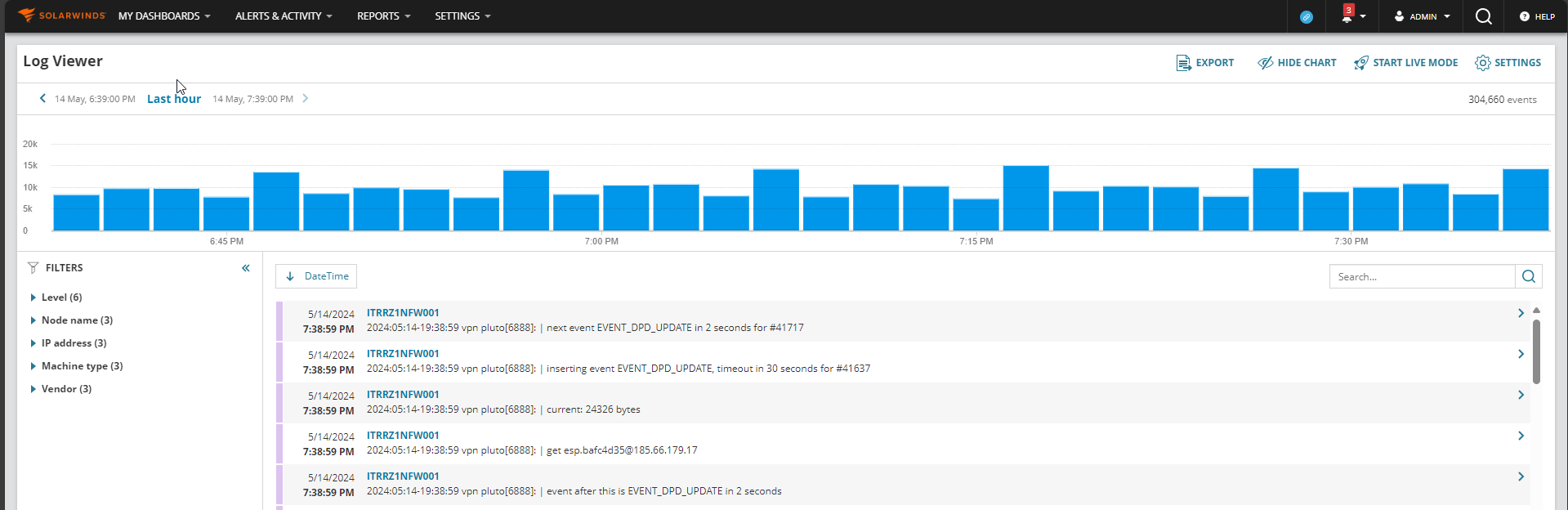
After upgrading our Solarwinds Orion from 2020.2.6 to 2023.3.1, we are no not able to see any syslog in Log Viewer. We are also not seeing Filters. Does anyone know what the issue could be?
If the SolarWinds log services are running and you have confirmed that the packets are reaching the SolarWinds server on port 514 then there's a very high chance something is blocking it once it gets to the server. I know you said that there were no rules blocking it on Windows Firewall but are there any rules allowing it either? Could you try adding an inbound rule to allow communication over port 514 if you havent already? If that doesnt work then I'd expect there is a a fundamental issue with the SolarWinds service and I'd need to see the logs to investigate further.
I can't see any known issues for it on your current version but it is worth mentioning that the version you have upgraded to is quite a few behind the latest which is 2024.4.1.
Last thing I can think to try here if there is definitely no firewall issue is to run a core repair on the platform which will repair all services:
To run a core platform repair:
It will now take you through the repair process and run the configuration wizard afterwards automatically.
Run through the configuration wizard as you normally would ensuring that the settings on each page are correct.
This will require downtime usually around 15 - 30 minutes.
2020.2.6 was the "last version" with the legacy syslog viewer tool. all this has been now moved to LogViewer/LogAnalyzer. Can you please share where you are expecting the syslogs to show up so we can confirm it's really the case of "Legacy Syslog viewer" vs "LogViewer/LogAnalyzer"
cheers
We are expecting to see the syslogs in the "Log Viewer"
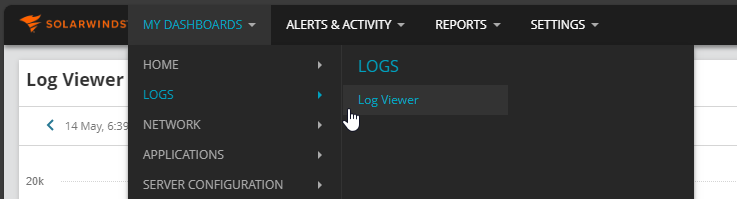
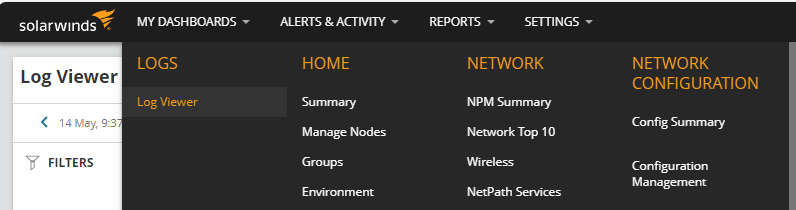
I am assuming this is the "log viewer" you are talking about? You can also reach it from here:
Alright, so we figured out this is the "new" Logviewer. Now we need to check if the Services on the Solarwinds Server are running:
The corresponding services is the "SolarWinds Log manager for Orion Syslog Service" . If this is running we need to check if there could be a "discard all" rule" or maybe a firewall rule blocking syslogs from reaching the solarwinds service.
you can also check via netstat -ano if the service is listening on the syslog port:
There is no discard rule or firewall blocking syslog service.
Are the devices sending Syslog messages added to SolarWinds as nodes?
other than that it is getting a tough one to support through the forum, trying to think of other possibilities causes…
I know that originally it is said that this stopped working after the upgrade but it is still worth confirming that we are actually receiving syslog to the SolarWinds server in the first place. @rccamacho could you please set up a packet capture on the SolarWinds server and monitor to see if we are receiving any packets over port 514? I usually would use Wireshark for this.
I know it would be a crazy coincidence that something changed on the network at the same time as the upgrade but this is technical support after all so lets apply Occam's Razor.
It would be strange if SolarWinds' Syslog service was running fine but not processing the Syslogs received to it.
Verified and Solarwinds is receiving Syslog from devices.