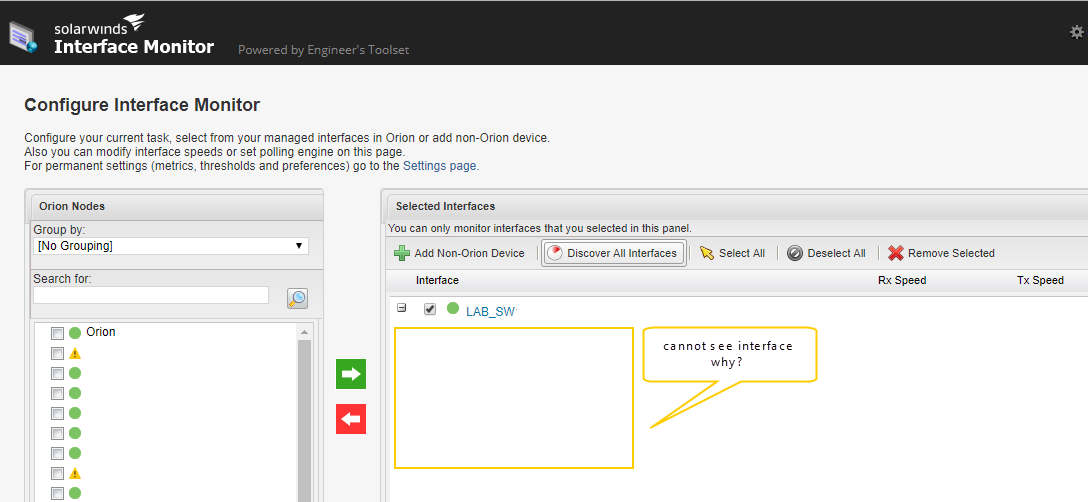
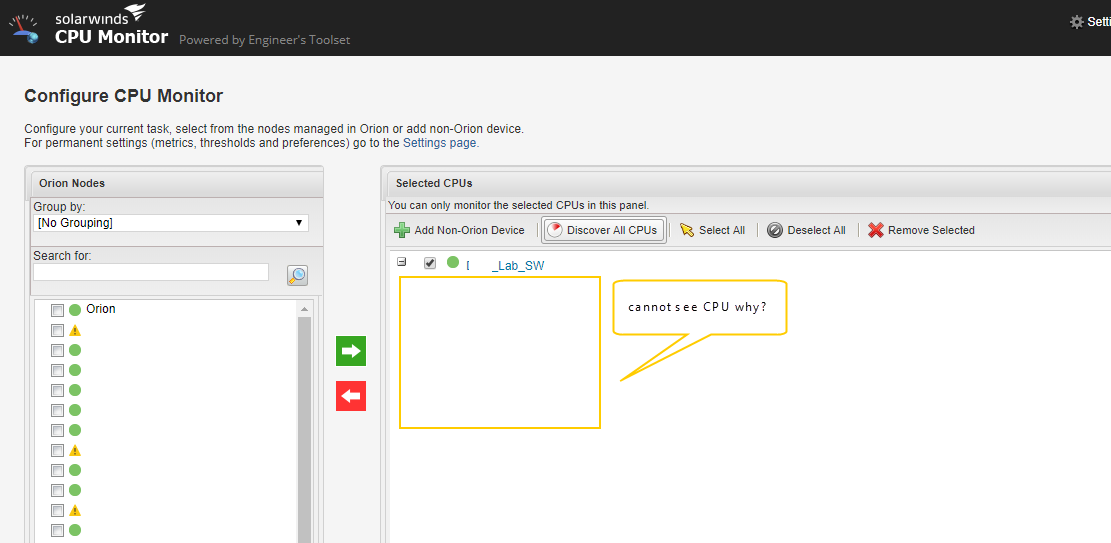
I monitors interface statistics in real time select node and click discovery all interface but it show interface ???????
help me please.
Appears like a polling engine connectivity to your node issue. Could you share the log?
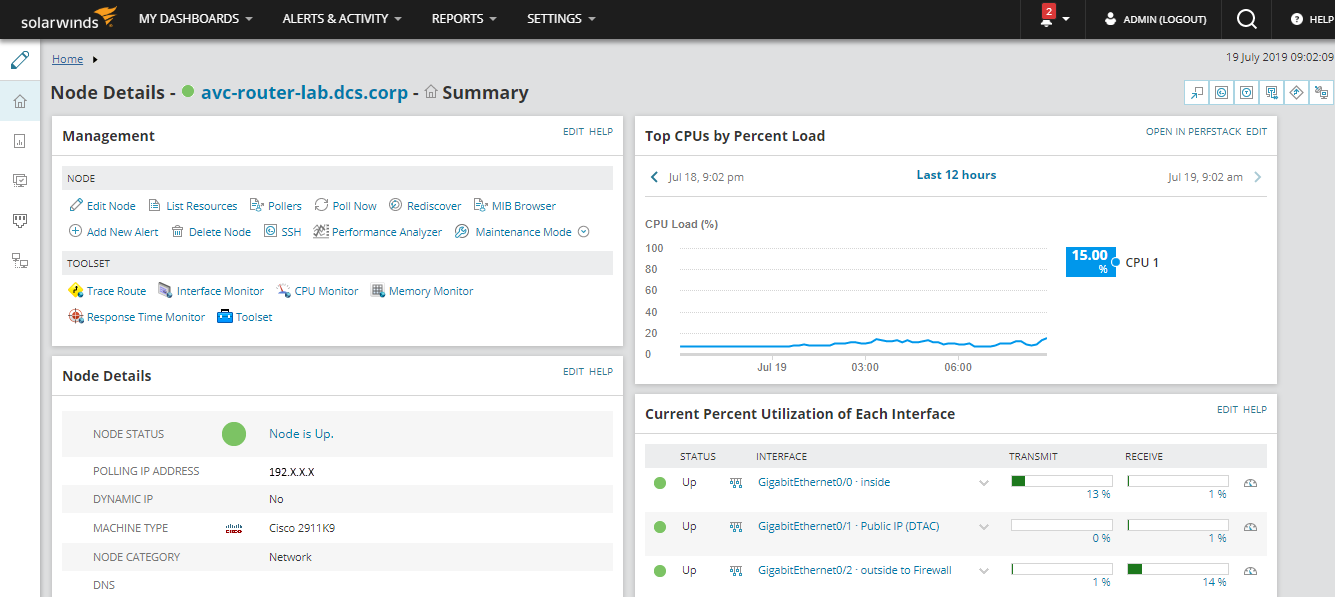
but I monitor node via NPM normally.
When you hit the Discover All CPUs button, did you see a discovery in progress message or is not doing anything at all?
not doing anything at all.
Does traceroute work and is it an issue only with this tool? Logs might help. Or please contact Support directly.
traceroute not work. engineer toolset for web not work. but engineer toolset for desktop is work.
It is an obvious licensing/configuration issue. Logs will be required to confirm this. Please get in touch with Support.
I test on the LAB, I cannot open case.
Can you send me the logs so we can see more info about this issue?
HI,
can you download log this link below.
Dropbox - SWDiagnostics 20190722-122331 Main ORION.zip - Simplify your life
As I initially suspected before, this ia a communication issue. Your website runs in https but the website configuration uses http and not https. You need to configure the site to use the web_ssl in place od web.config (just rename it), and add an entry in the table to use SSL. Alternatively for the simple and official documented approach, please run thw configuration wizard and enter these details in the wizard screen itself. Orion will automatically configure all these up for you.
Thank you so much for helping me solve the problem.
I fix issue to step in Success Center
Now I can use normally.
Thanks, glad to be of help.
We now have the web interface displaying properly after doing the steps from the Success Center properly.
There is still an apparent bug with enumerating objects in Cisco 3750 and 3850 stacks if you select just one switch in the stack.
Thanks to all, especially moolmanee.m!