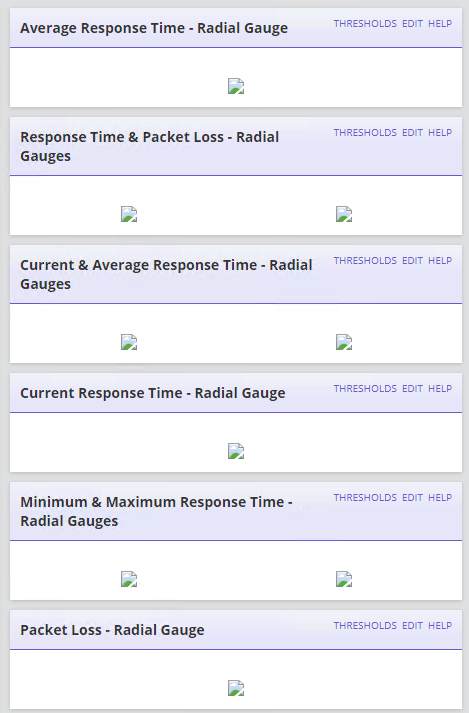
I've added an additional web server and there are many broken icons and radial images across multiple pages.
Anyone ever experience this?
Does a new additional web server need any Orion platform hotfix patching after the install?
Thanks
Applied all patches to main polling engine. We deployed the AWS with all the latest patches, main polling engine was not patched with January 2019 patches yet.
All is well now.
Can you please post a screenshot of what you're seeing? Have you tried re-running the website portion of the Configuration Wizard?
Thanks for the reply. I have re-ran the CW. I'm under the gun to get this stood up so I appreciate any suggestions.
Ticket # 00240639
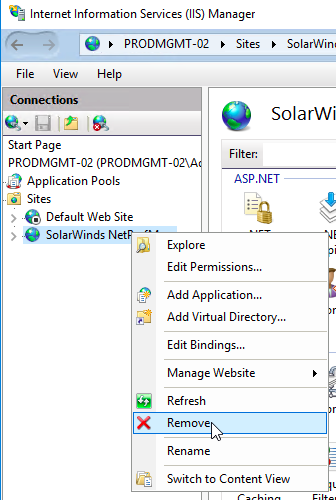
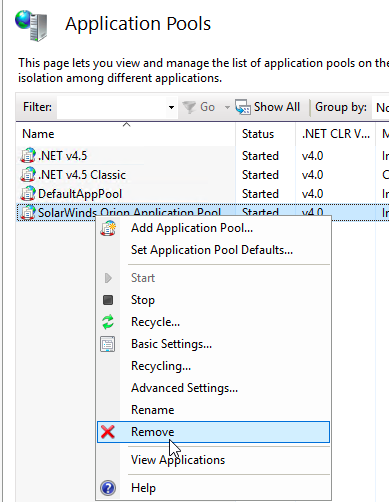
I recommend deleting the entire c:\inetpub\solarwinds directory, then removing the "SolarWinds NetPefMon" website and "SolarWinds Orion Application Pool" AppPool. Once you've deleted all three, re-run the website portion of the Configuration WIzard. It should recreate all of the items removed.
Uninstalling IIS now per KB.
1. Uninstalled IIS
2. Renamed Inetpub/Inetsrv folders. Rebooted.
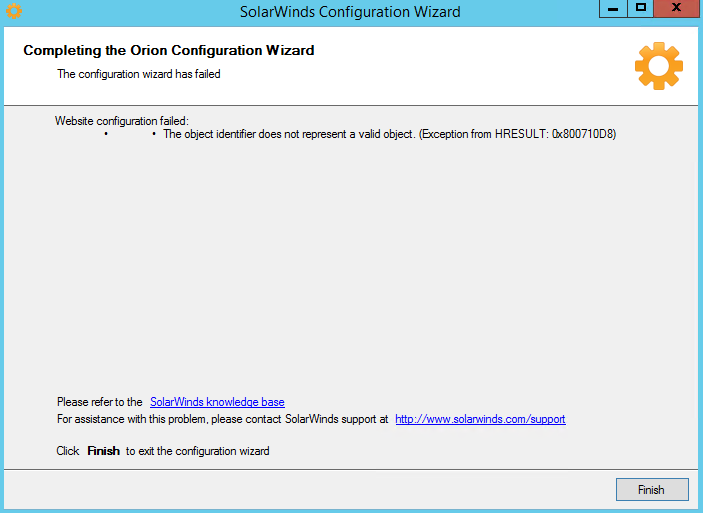
3. CW completed successfully.
Radial gauges are still broken.
Same symptoms with other misc. widgets - component and app details are still dead.
Can you verify you can ping the hostname (short name) of the main Orion server from your additional web server? I know it sounds silly, but it may be name resolution issue using NetBIOS.
NetBios resolution looks OK. I'm going down that direction too, communication issue but I see no proof or relevancy, yet.
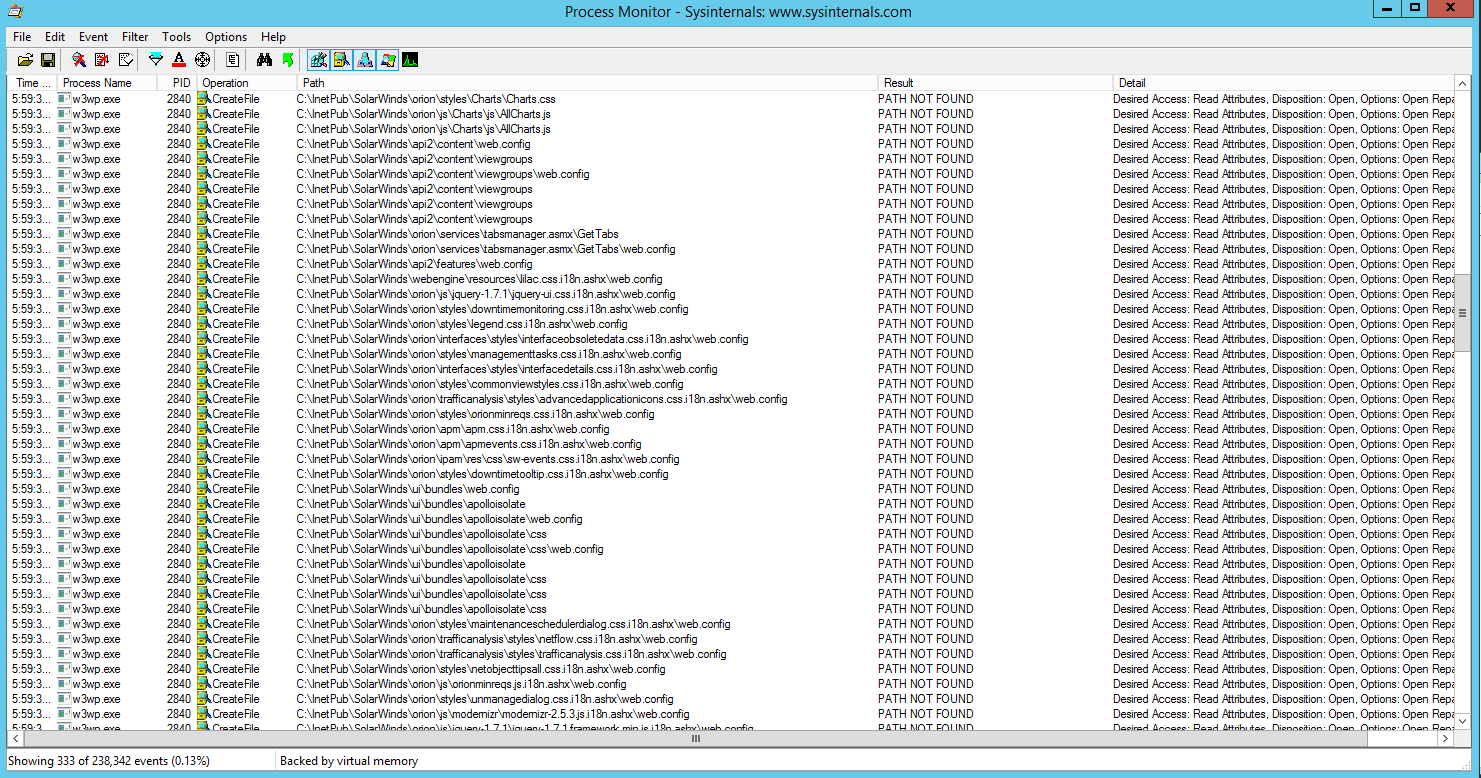
Whats also interesting is the same page on a primary polling engine renders radial gauges fine with all of these missing path folders events. I guess these are indeed red herrings.
Is TCP Port 17777 open from the Additional Poller to the Main Orion Server?
Thanks, this is not an APE but only a AWS.
I can telnet successfully from the AWS on TCP 17777 to my PPE.