Hello.
I figured I would give this a try.
We have been trying to upgrade our fleet of Cisco network gear through automation using SolarWinds and the NCM product.
PROBLEM:
When using the SolarWinds Firmware Upgrade process, the 'history' shows that it downloads the .bin file but and tries to set it as the correct firmware image but when I check on the actual device it shows the file as 0 bytes large which is incorrect. Appears that we are unable to download the files.
I have the files inside the a folder (named 'os') which is inside the /SFTP_root folder -> trying to follow along with this link https://documentation.solarwinds.com/en/success_center/ncm/content/ncm-set-up-the-storage-location-and-firmware-repository.htm
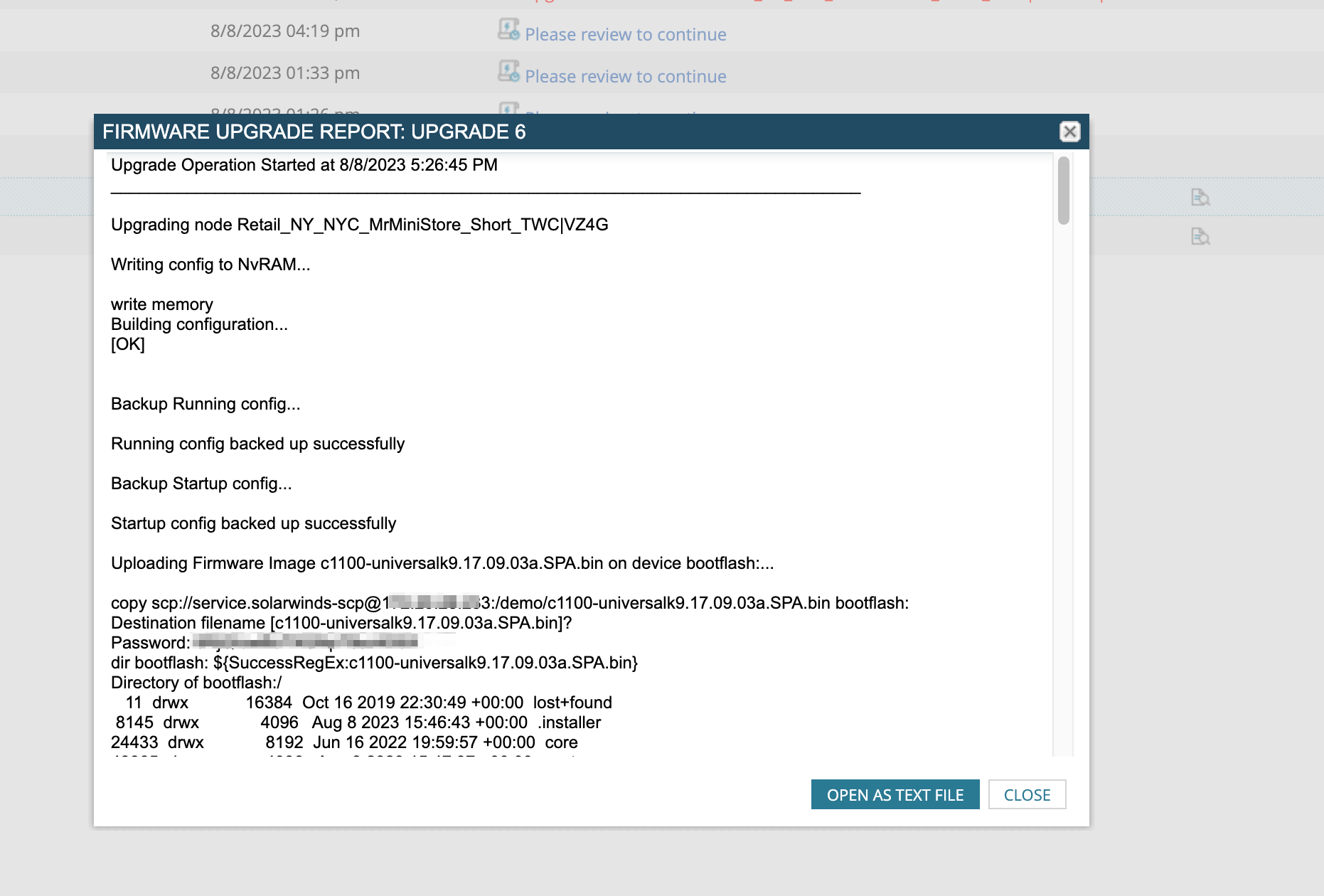
TL:DR Any help from anyone who has gotten this working would be awesome! I just want the routers and switches to be able to download the files properly at this moment, if the downloads is long which I noticed if I type command into the routers (took about 3 hours to download the .bin file over SCP)