There are TWO different tools in SolarWinds Orion Environment that we can use to troubleshoot various issues before contacting SolarWinds Support.
I have been working with the SolarWinds Platform for 11 months now. I have noticed that most of the clients I have worked with DO NOT USE either SolarWinds Orion Diagnostics or SolarWinds Orion Active Diagnostics Launcher.
Whenever there is an issue, most users log tickets with SolarWinds Support.
But we can use the SolarWinds Orion Diagnostics for very detailed information about the current SolarWinds Environment.
Or, we can use the SolarWinds Orion Active Diagnostics Launcher to obtain a quick but detailed status of the current SolarWinds Environment.
These TWO methods work as a concept of a Health Check but with more direct information, which will provide a clear idea of the SolarWinds Environment.
The below screenshot indicates the interface of the SolarWinds Orion Diagnostics.
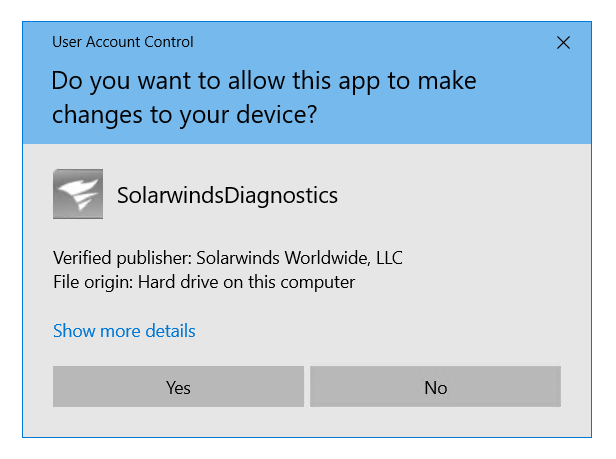
The best part is, you can save the log file in any directory you want and have a look at it later on.
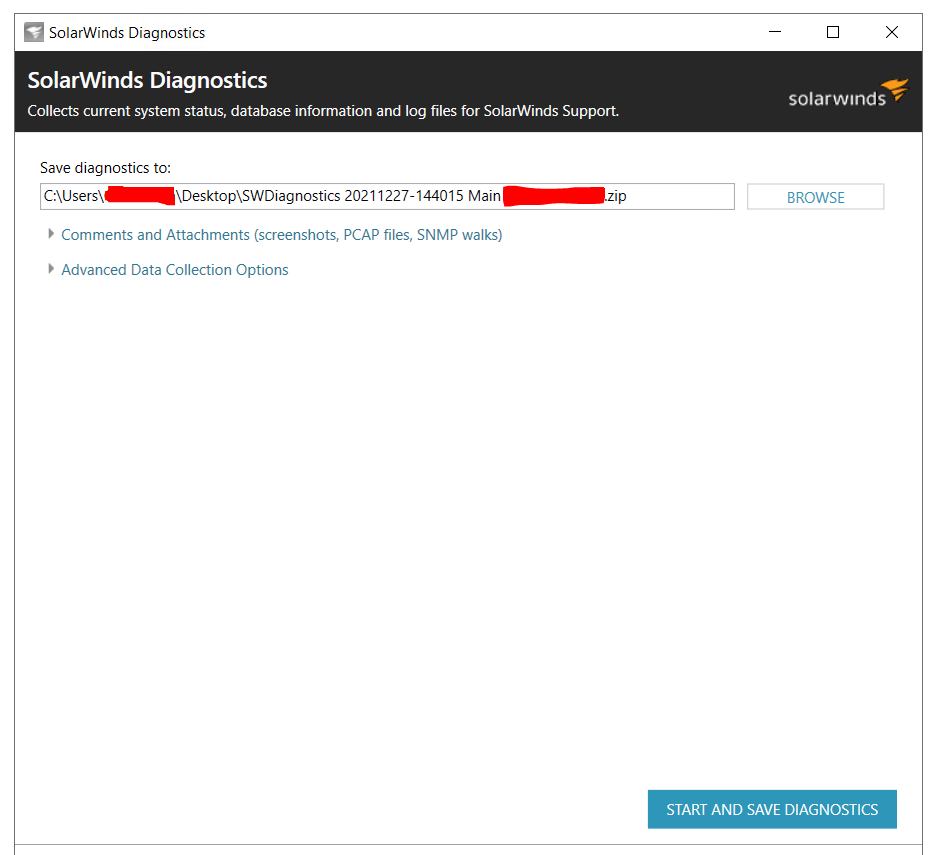
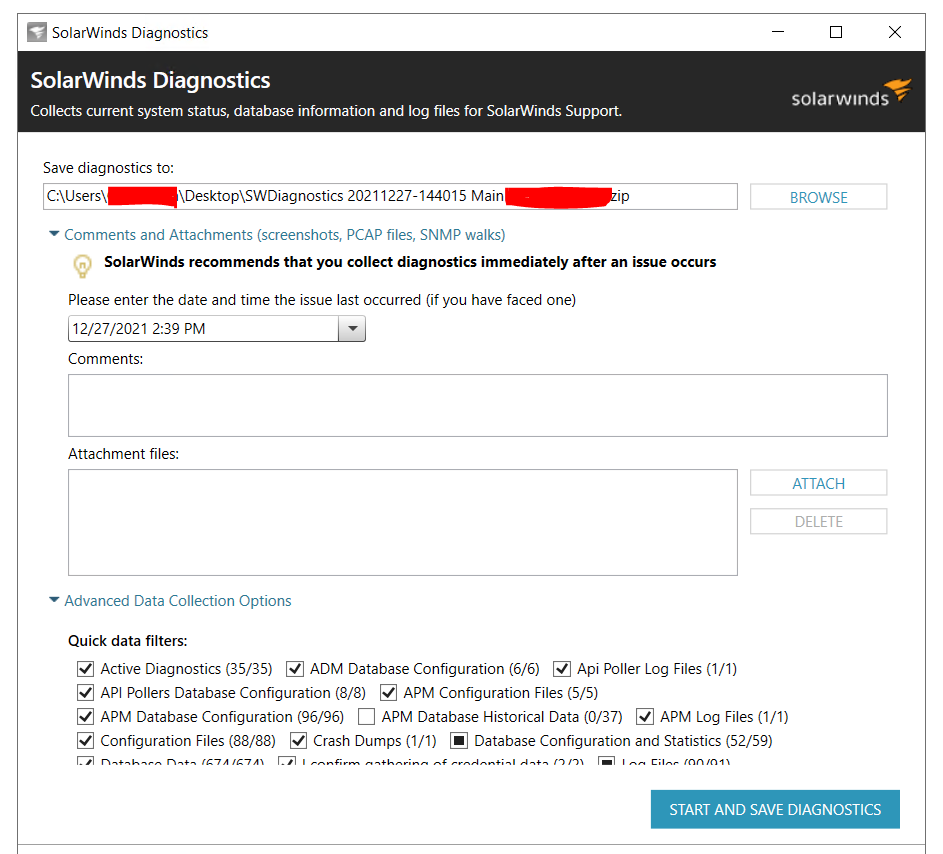
As per the below screenshot, there are multiple options to select before performing the SolarWinds Orion Diagnostics.
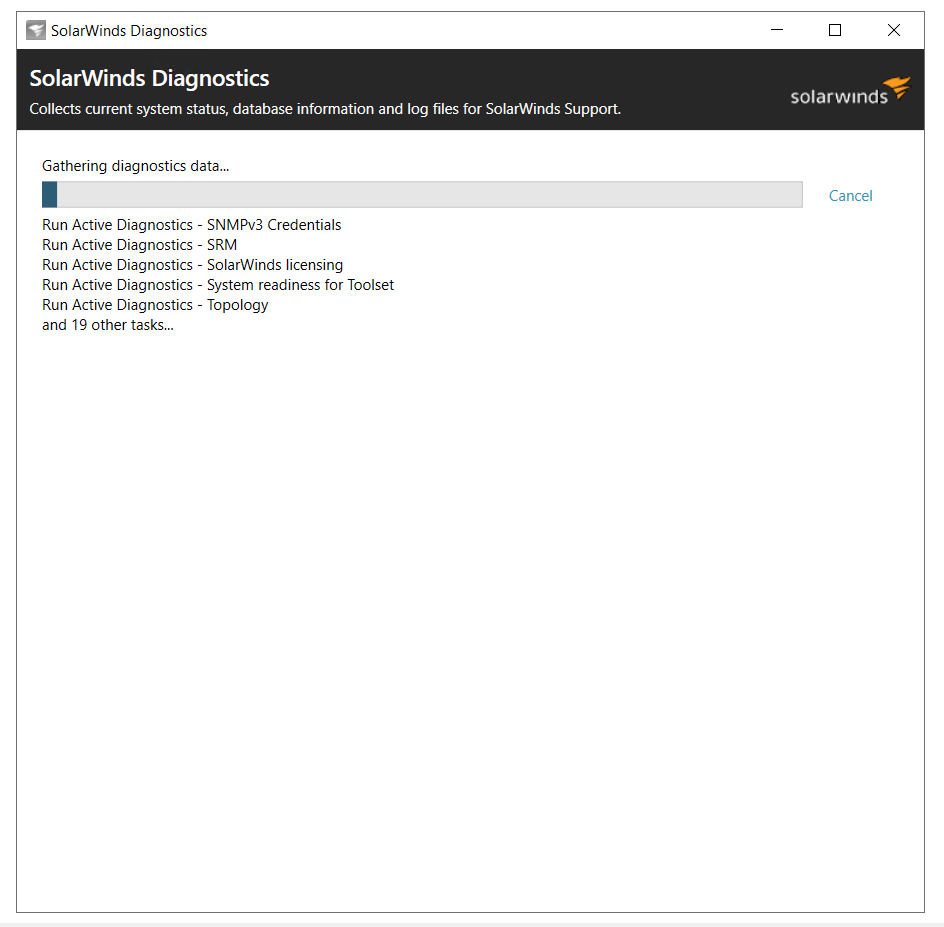
When you start the process, you will see a progress bar as below. ( At different stages. )
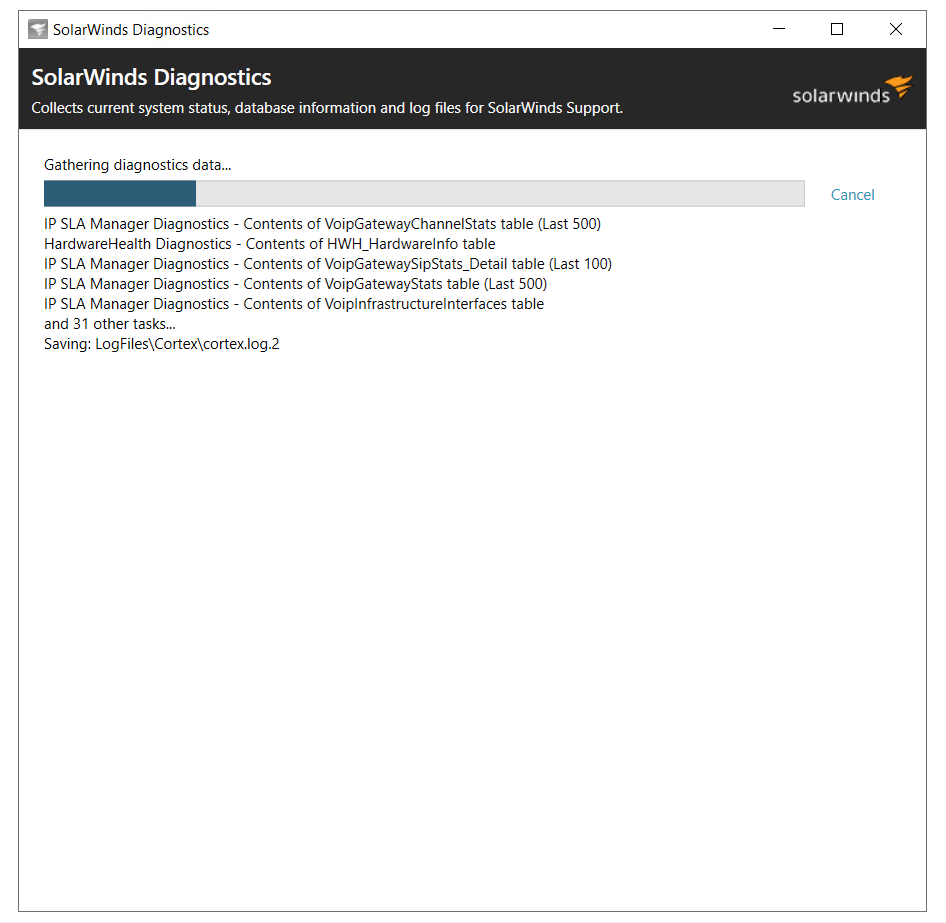
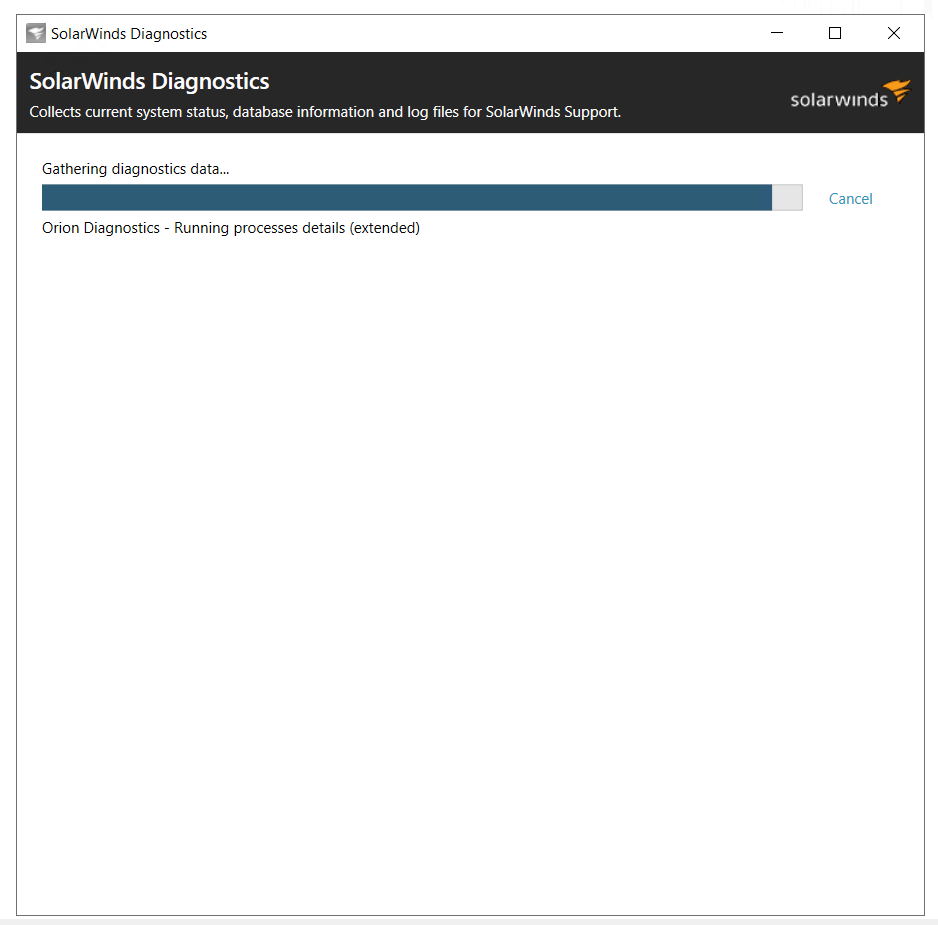
Afterwards, you will see the final report as below.
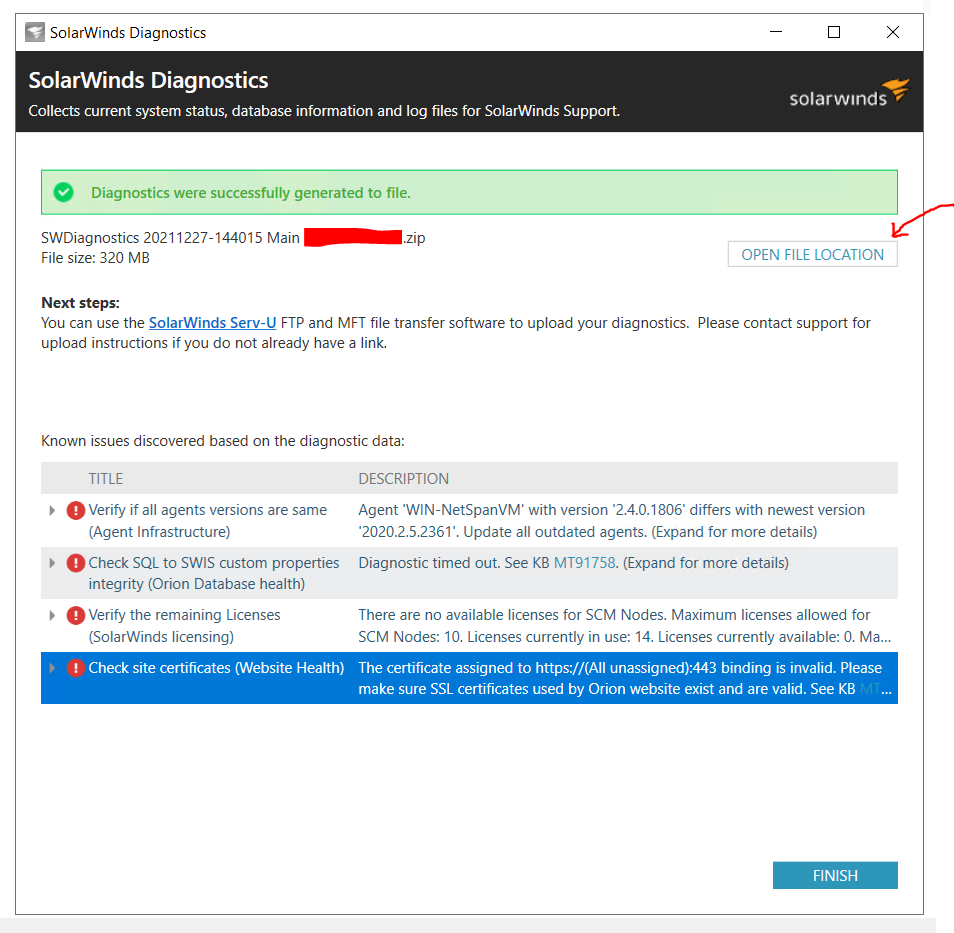
For more information, you can check the final Log File and review it for any potential issues in your current environment.
Also, you can upload the Log File to an FTP location of SolarWinds Support if required. ( Which is a good point. )
That is about it for the SolarWinds Orion Diagnostics process.
But when it comes to the SolarWinds Orion Active Diagnostics Launcher, it is much easier.
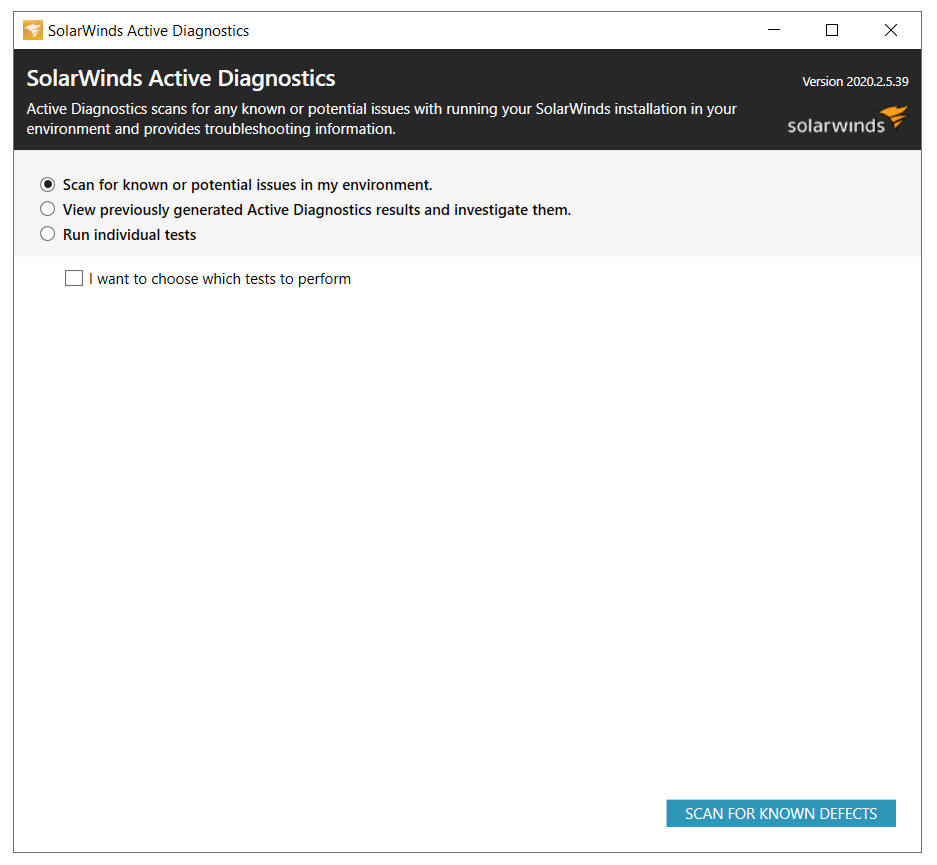
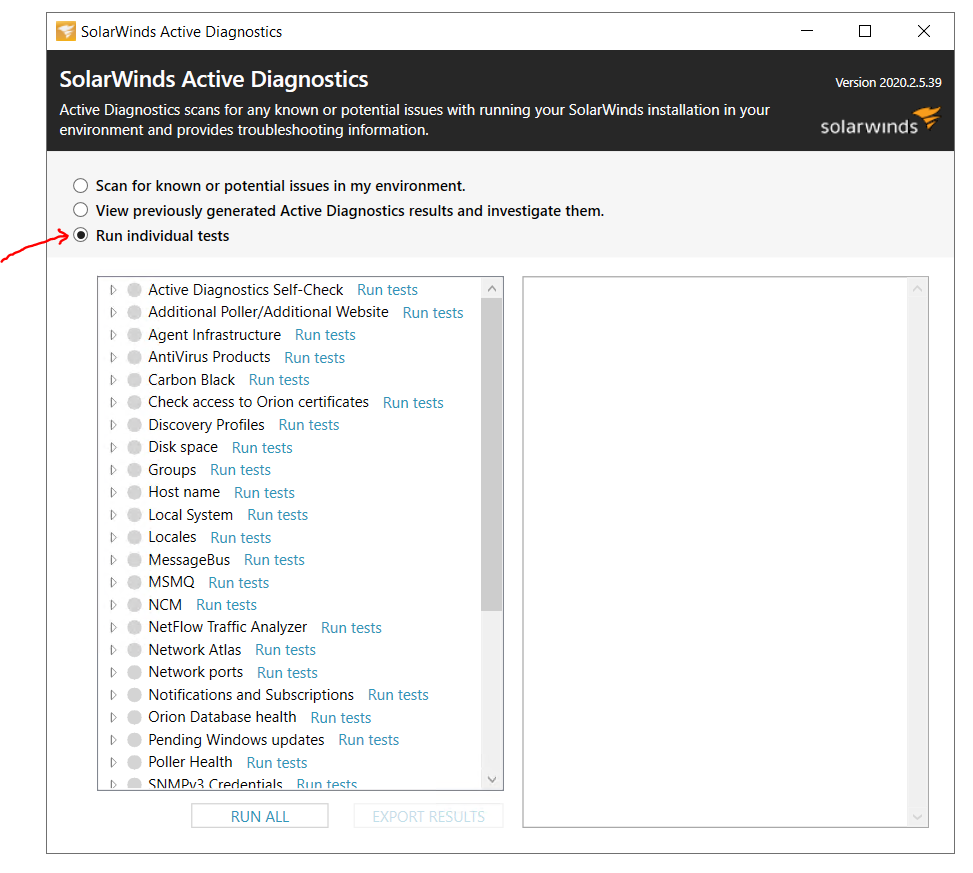
The below screenshot indicates the interface of the SolarWinds Orion Active Diagnostics Launcher.
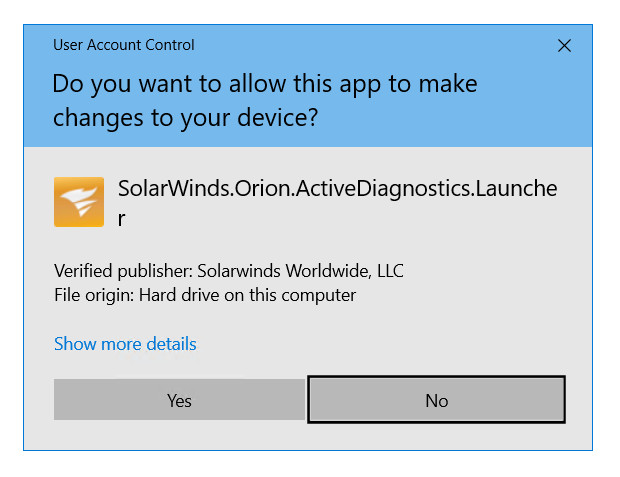
Same as the SolarWinds Orion Diagnostics there are multiple options to select before performing the SolarWinds Orion Active Diagnostics Launcher.
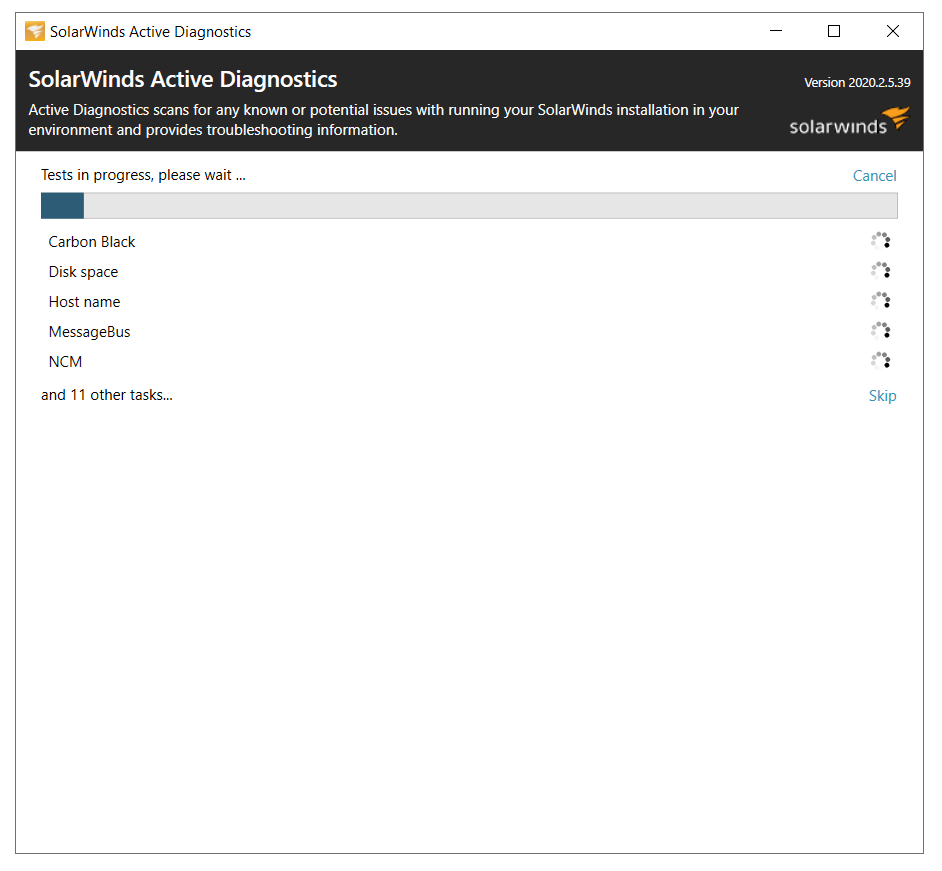
When you start the process, you will see a progress bar as below. ( At different stages. )
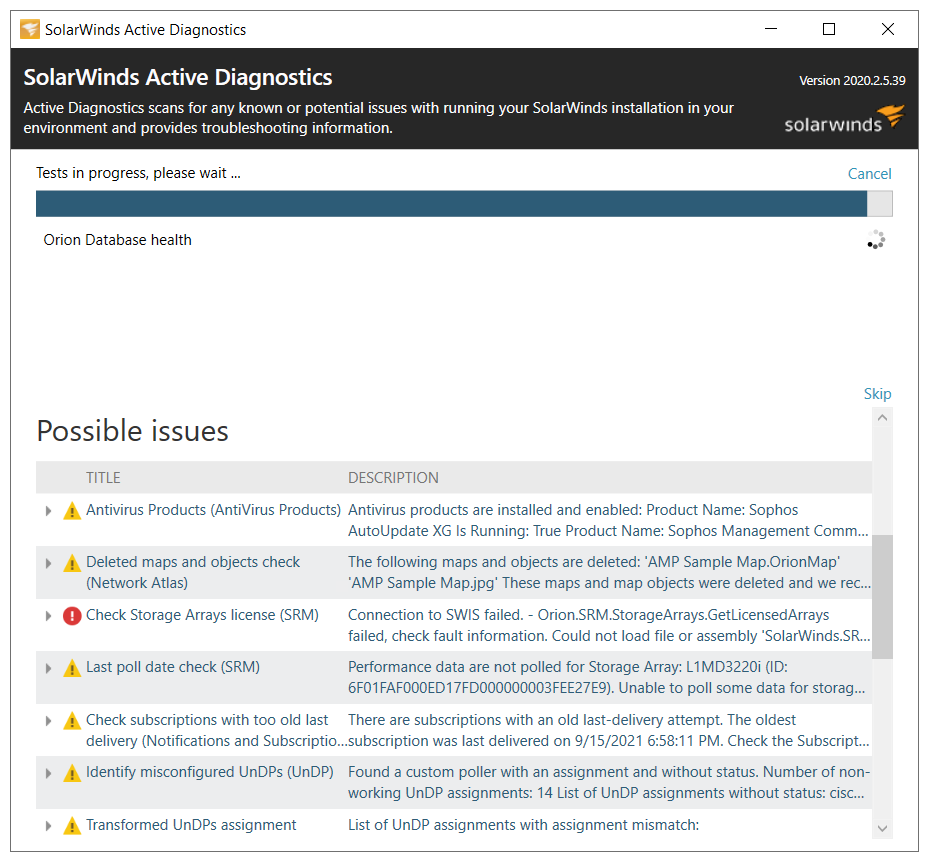
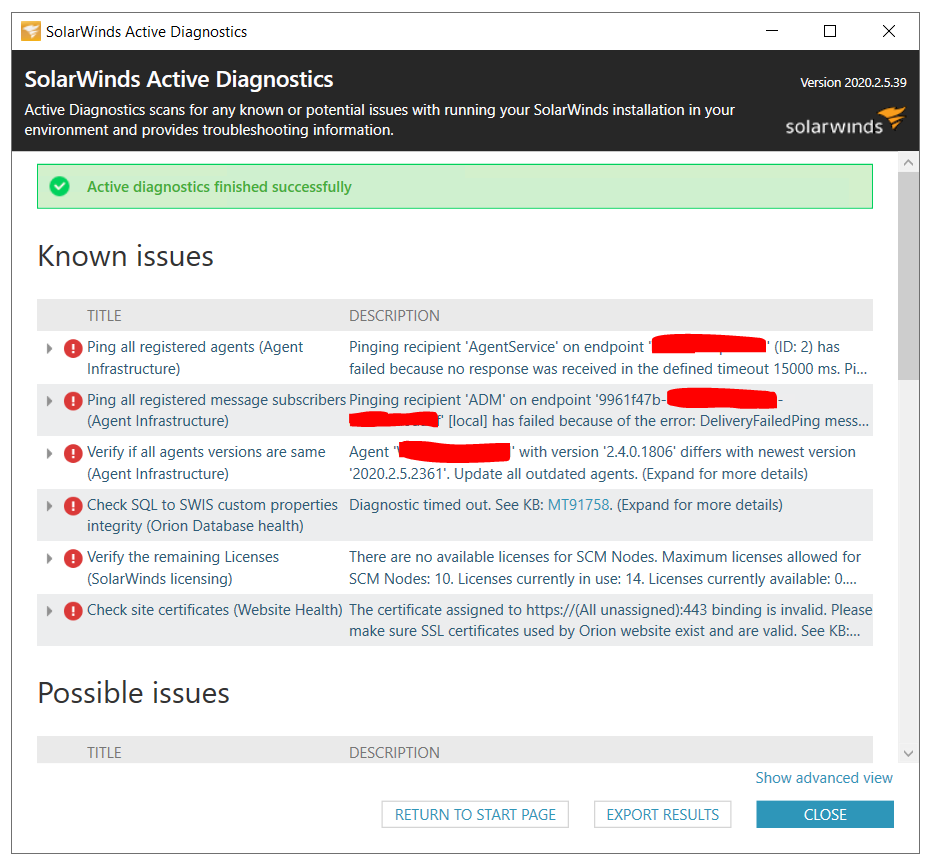
If you click on the " Show advanced view " option you will see the below results.
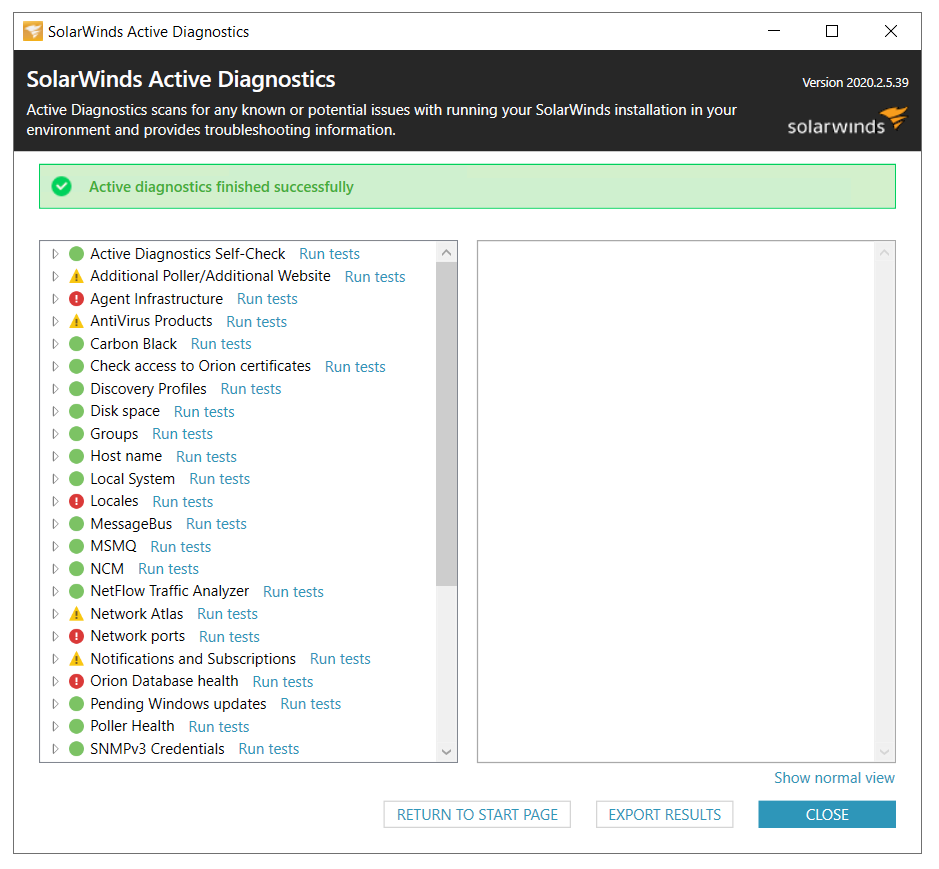
One key point is that the SolarWinds Orion Active Diagnostics Launcher will not take much time as the SolarWinds Orion Diagnostics.
As per my experience, the SolarWinds Orion Diagnostics process would be ideal if you would want to troubleshoot more critical issues in your SolarWinds Orion Environment.
Whereas, the SolarWinds Orion Active Diagnostics Launcher would be ideal if you want to check your SolarWinds Orion Environment for any potential issues.
Also, it is ideal to perform the SolarWinds Orion Active Diagnostics Launcher before performing an Orion Upgrade.
I just thought of sharing this experience/knowledge which might be helpful for the community.
