Recently, I worked with one of my clients with related to an Upgrade issue of his SolarWinds Orion environment.
The client had already upgraded his Primary Polling Engine and the HA Server accordingly.
Afterwards, he was having the below issue.
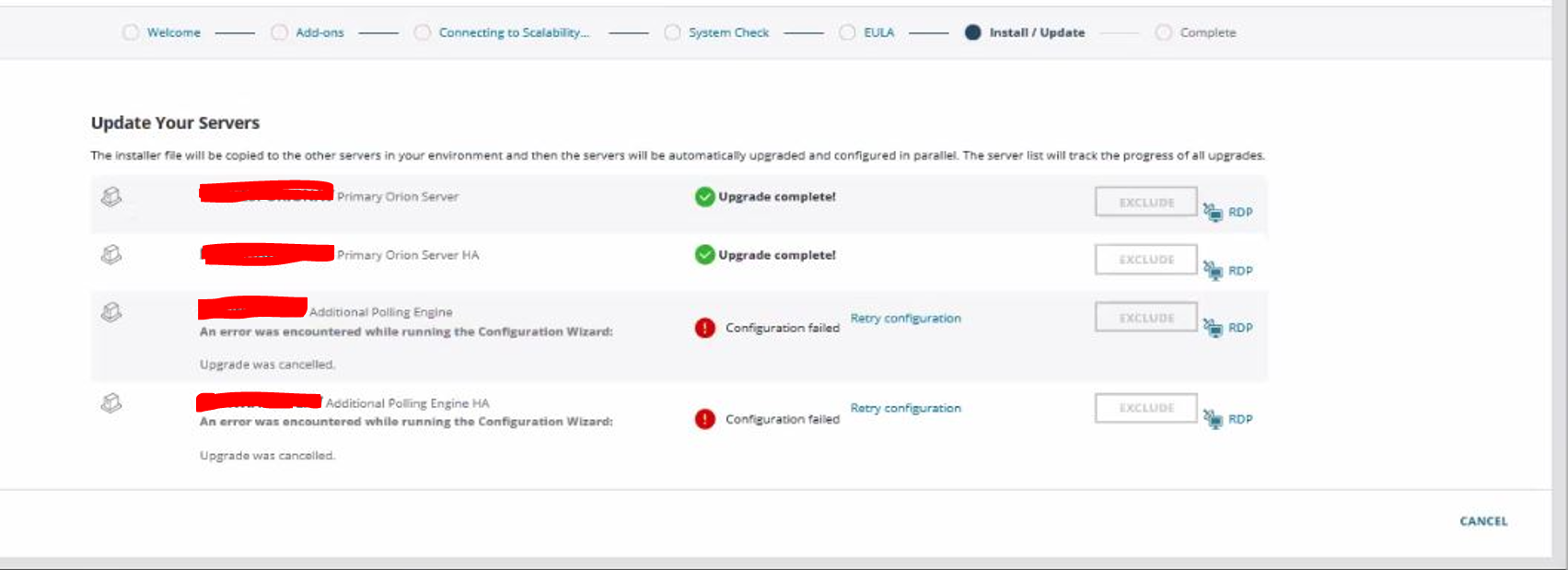
As the client mentioned, the Configuration Wizard did not start after the Upgrade process.
I have checked and noted that the client had performed the Upgrade without disabling the HA Server.
However, I had performed the necessary troubleshooting steps and resolved the issue accordingly.
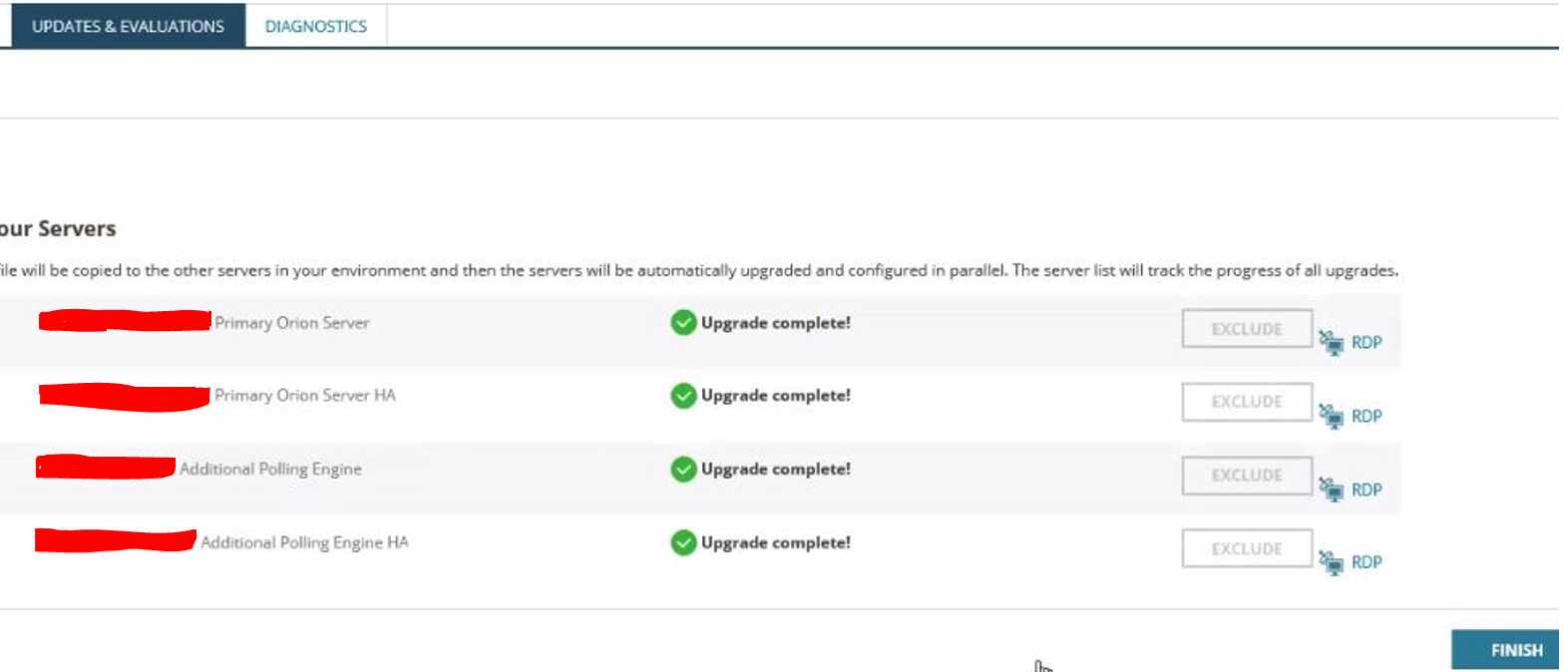
And, completed the rest of the Upgrade for the HA Server and the Additional Polling Engine successfully.
Conclusion :
It is recommended by SolarWinds to DISABLE the High Availability before Upgrading your Orion environment.
Because all the Additional Polling Engines / HA Servers and Additional Web Servers are upgraded through the Primary Polling Engine.
And by downloading the installer file from the Settings > All Settings > Polling Engine > Web Console page (Top Right) one at a time, we can perform the upgrade for Additional Polling Engines / HA Servers and Additional Web Servers. (By installing and running the Configuration Wizard on each system.)
