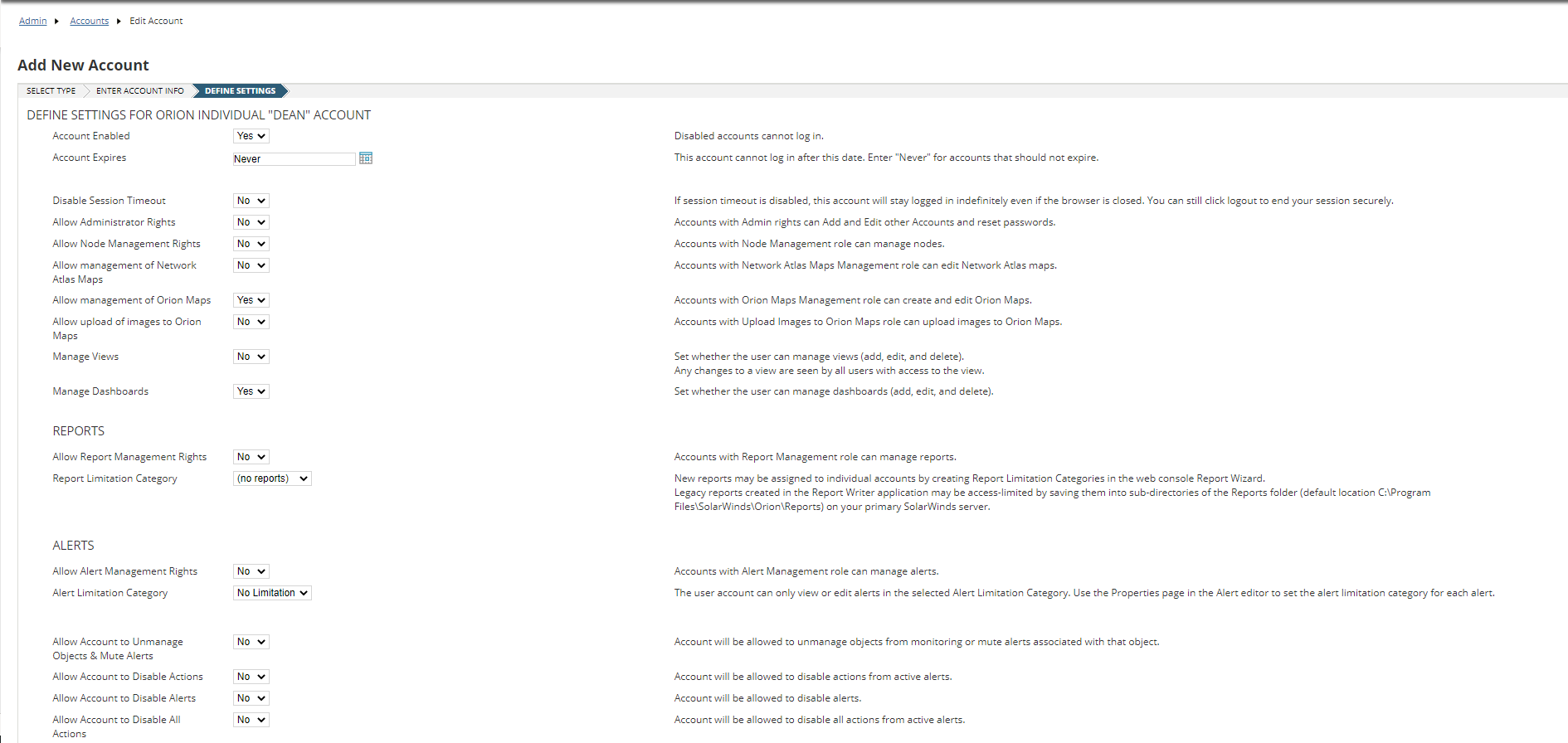
When creating a NEW User Account there are 02 main points to be considered.
- We need to define the role of the User.
- We need to decide based on the role, what information that User will need access to.
Settings -> All Settings -> User Accounts -> Manage Accounts
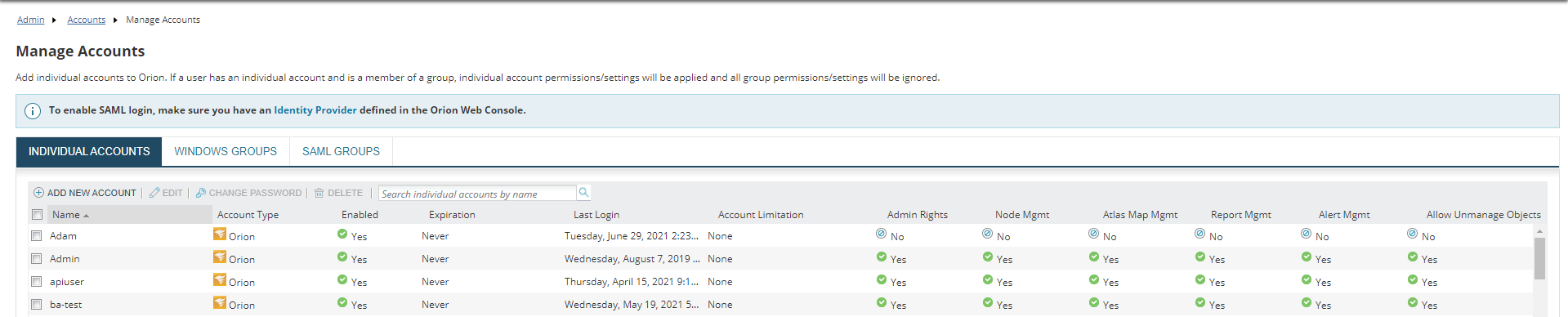
Here you can see a list of all the user accounts that have been created.
If you scroll to the Right, you will see basic account permissions. Such as the Last Login, Account Type, Account Limitation, etc.
If you click on Add New Account, it will show you the below option page.
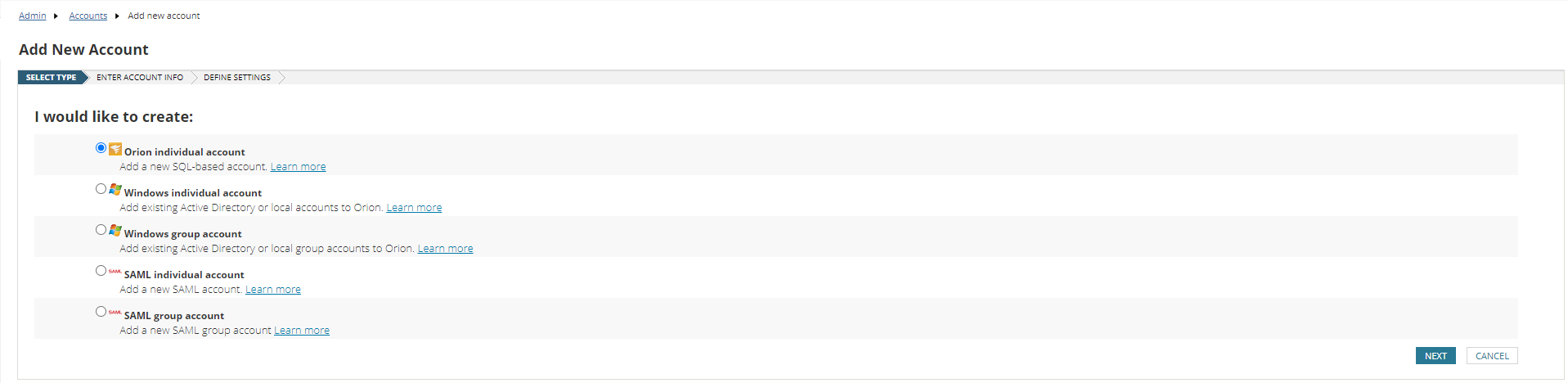
The only difference between the first 03 account types is the authentication method.
If you choose a Windows Account, Orion will authenticate the users through the Active Directory Database. And it can use Pass-through authentication. So the users will not have to log in to the Web Console every time.
But if you choose the Orion account, you will have to create a user name and a password for the new user. And that user will authenticate through the Web Console each time they log in.
Other than these authentication methods, there is no difference between an Orion Individual Account and a Windows Individual Account.
We can edit a user account and assign different specifications.
In the Orion Web Console, there are Two Default Accounts.
- Admin
- Guest
When you log in to the Orion Web Console for the first time, you need to specify a password for the Default Admin User.
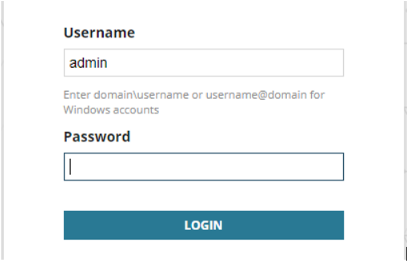
The Guest account only has view permissions.
When creating Orion Individual Accounts you need to define Settings, Provide rights so that the user can perform the assigned tasks, Select default views and menu bars, etc.

Enter the below information accordingly.