There are multiple ways to add nodes/objects into monitoring.
Network Sonar Discovery is the most commonly used, but how discovery is configured would impact the overall time used and success or not.
For evaluation of large customers, it's better to use 'IP Address' option to list out each devices (IP or hostname) need to be added. This can easily get from another solution if users want to replace or focus on verifying major functions on few devices which are properly configured (e.g. SNMP, CLI account). At a later stage, users could do another discovery to add most/all devices to get a better ideal of the required licenses.

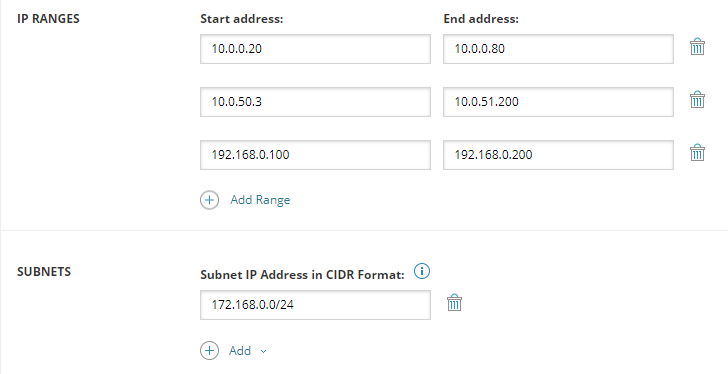
For evaluation of small/medium customers, user can use IP Ranges/Subnets to discover their network assets.
For users mainly interested in Windows Servers (desktop/workstation) monitoring, Active Directory is a better option. Just specify the Domain Controller with a valid credential, users can browse the list of computers and select what should be added into monitoring.
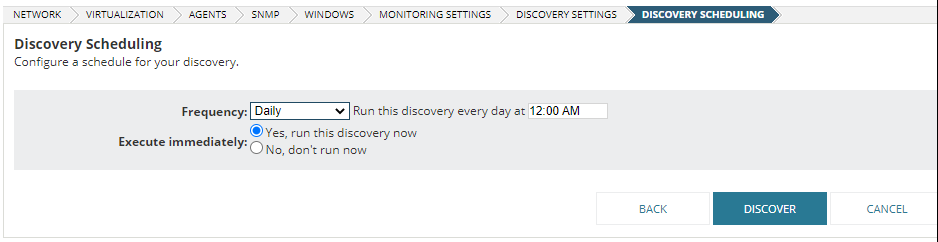
Note, there is a time out setting for each discovery, so it is recommended not to scan a large number (500+) of devices in one scan or change the time out (unless experience network latency) or hops.
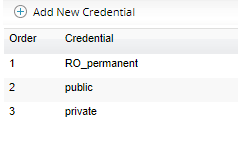
When configuring credentials for scans, especially SNMP, it is better to check the order of those as Orion will test from #1 till the working one.
Monitoring Settings is a function primarily for filtering discovery results, but could also help with auto discovery and adding assets. So switch to 'Automatically monitor…' and define the templates for nodes, interfaces, etc. and the scheduled discoveries can find new equipment and add them accordingly.
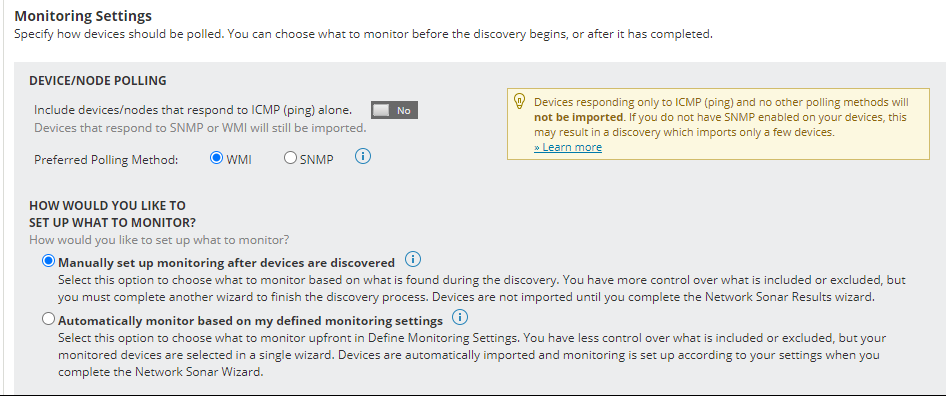
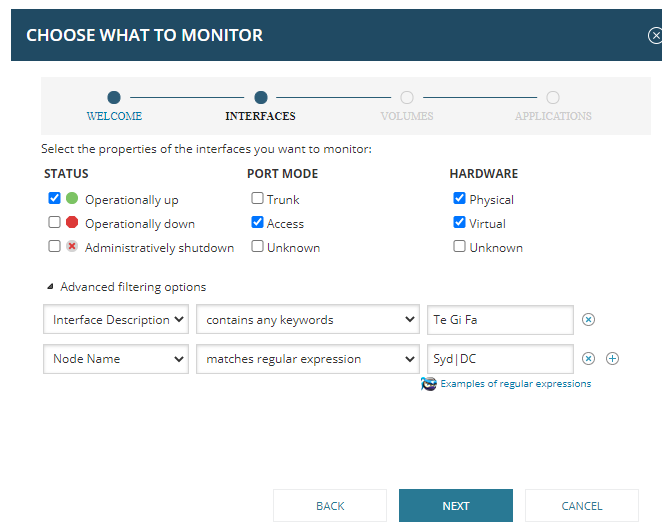
Users can apply filters to limit the number of elements will be monitored (each of them will consume a related license when discovery finishes).
Note: Advanced filtering options are using 'AND' logic. For the same type of filter, leave a 'SPACE' between different values or use regex. The provided example will only add new discovered interfaces which have description contains 'Te or Gi or Fa'
AND if those interfaces are on nodes which have 'Syd or DC' (regex is case sensitive) in their names.
Note: If APEs are used in, be sure to choose the right APE for each discovery or only discovery the devices can be managed by an APE.