Whenever I upgrade or run the configuration manager, all of my Discovery Scans break.
For example, I have 20 different discovery scans, for 20 different clouds/environments I'm managing. Because Im just one guy, I use the "Auto Import" feature to import the newly discovered scans. After running my upgrade and/or the configuratin manager the auto import settings (application templates check boxes, interface settings) go to default.
Under normal circumstances, this isnt a huge deal. However I have 20+ discovery scans, and because I cannot mass edit these scans, I have to go through...each...and....every...one to make the changes. Obviously if these scans are happening nightly, and I dont get to all of the changes directly after my upgrade, I now have 2000+ servers with the default app insight SQL, IIS templates and task manager settings assigned.
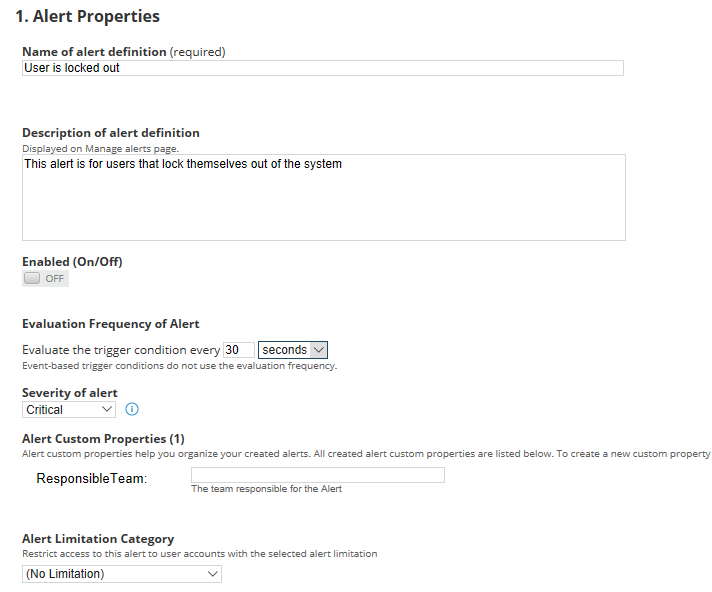
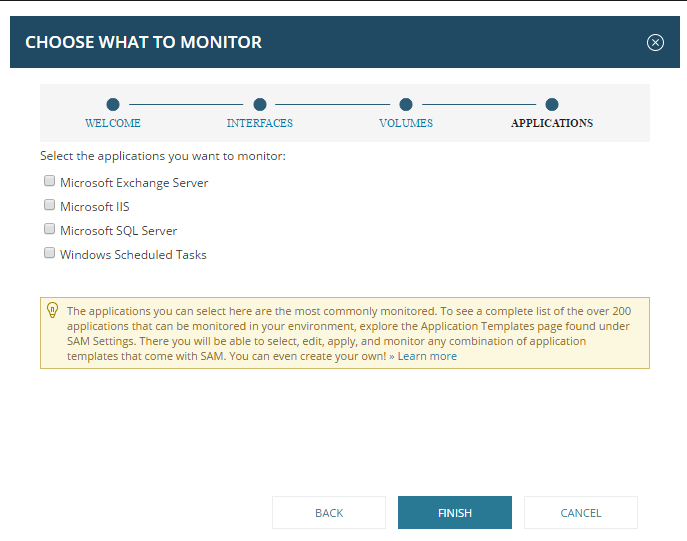
This is what the settings look like before the upgrade:
This is what the settings look like on ALL of my auto imports after an upgrade/config manager
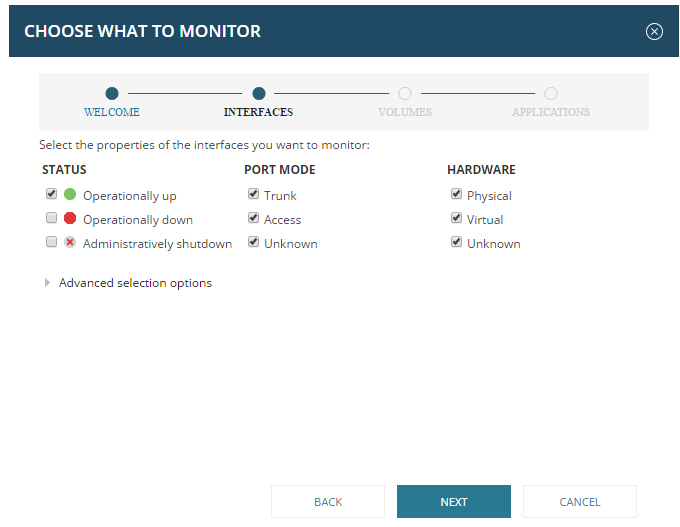
Anyone who uses the Discovery scans, will know what the implications of this means, for nightly scans. It means thousands of servers now have the IIS, Exchange, and SQL server template assigned, but not configured or functional. And I have to go through and delete all of them manually, then go through and manually change all of the scans (because there is no multi edit in the scans section)
I have contacted support BEGGING for a work around for this, and every, single, one of them literally have NEVER seen this issue. I have already listed this on my list of feature requests located here: https://thwack.solarwinds.com/ideas/7630#comment-251718 and I think I have seen someone from customer experience respond, but that may have been a phishing attempt as I emailed her and nothing has returned.
Do you guys offer any work arounds? Please god say yes.
