Is there anyway of exporting a single downloaded device config from the NCM web Gui to a local laptop in txt or PDF format?
Thanks
Jon
Hi Jon,
Not found a "direct" method but I find the easiest way to get them into notepad is to go to Config Summary, select the relevant Node from the Node List box, choose the config that you want and just highlight the text in the Config Details box then copy and past it into your editor of choice.
As an alternative, NCM keeps a copy of the config files in the folder \Program Files\Solarwinds\Configuration Management\Config-archive\ - suppose it depends if you want to grant fileshare access to your ONPM server though.
Regards,
John
Sorry to bring this thread from the dead, but any news with this?
I just installed NCM and I am very surprised I can't just download a config from the WEB UI to my laptop. Am I the only one on earth who wants to do this from time to time?
I just use cut and paste. It's quick and easy.
The answer to your question is 'YES'. Here is how I explain how to do this to my techs... Especially if they need to reload a config and want to TFTP that config across the network...
By default NCM will store configs it backs-up into the following folder structure.... (C:\ProgramData\SolarWinds\NCM\Config-Archive) The programData folder is normally hidden because it is a system folder. So you will need to make sure that showing hidden and system folders is checked for your folder options in Windows operating system.
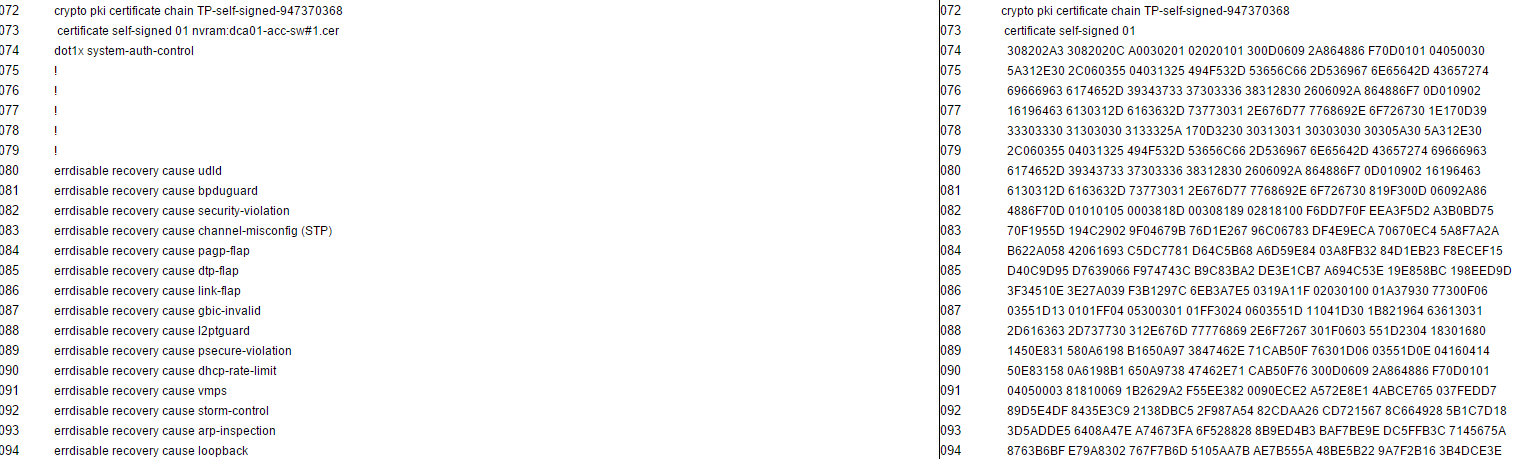
When you follow that path you will find that NCM will create a folder for each device that is backed up... See the screen shot below
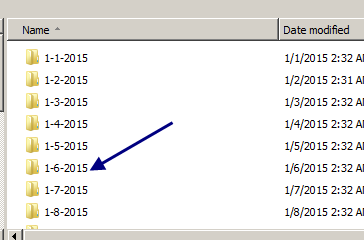
Then inside each device folder NCM will save a copy of each config downloaded in a seperate folder by date... See the screen shot below...
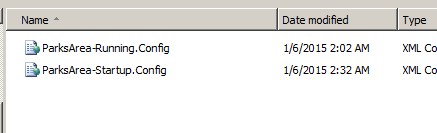
Now you can double click on the date you want and grab the entire config file.... See screen shot below...
Here you can see that the running and startup config have been backed up. Also notice tht the file has an extension of .config. You can either change the extension of the file to match the extension specific to your device or open the file in your favorite text editor and save in a format you need.
From here you have 2 options.. One option is to save the file to your laptop and using the SolarWinds TFTP server tftp the config file to your device OR you can point the tftp server to the proper folder on the NCM server and tftp the file from there.
For our use We always open the file first in our favorite text editor and verify the config then save to our local machines before performing the TFTP of the config..
Hope this helps
Hi,
We plan to include this feature in the next release. I recommend you to take a look at NCM 7.4 Beta -- Network Configuration Manager v7.4 Beta2 is Available!
Jiri