Hi ,
I´m using NCM 7.1.1 and I can´t see NCM Jobs configuration
Can you help me ?
Hi contracer,
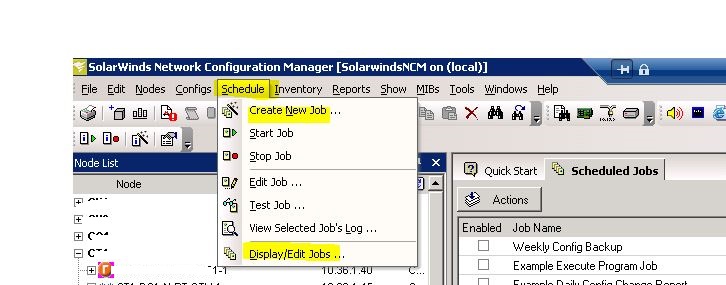
For NCM v7.1.1 - Launch your Solarwinds Network configuration Manager. Go to "Schedule" from the menu and "Create a new job".
Hi again,
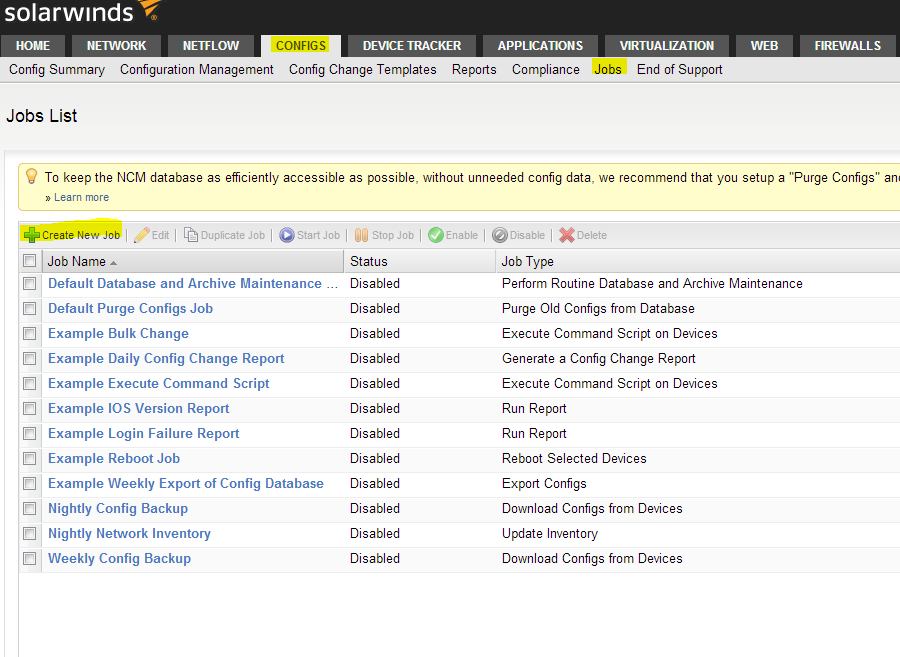
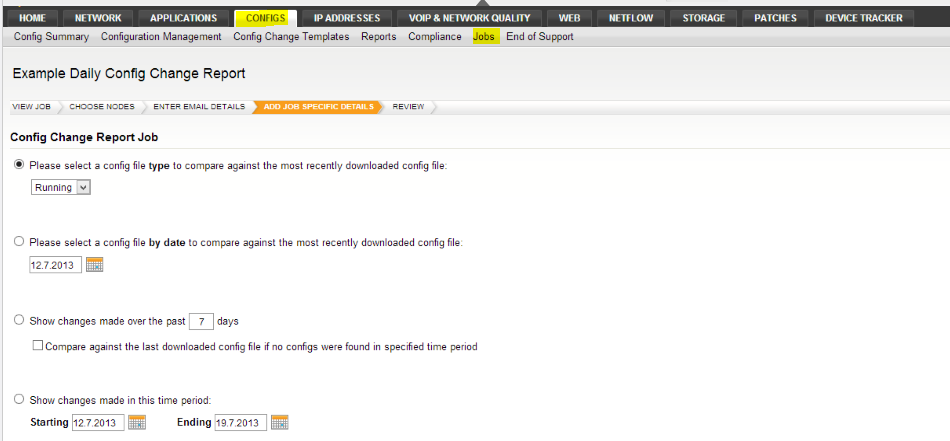
go to Configs then Jobs:
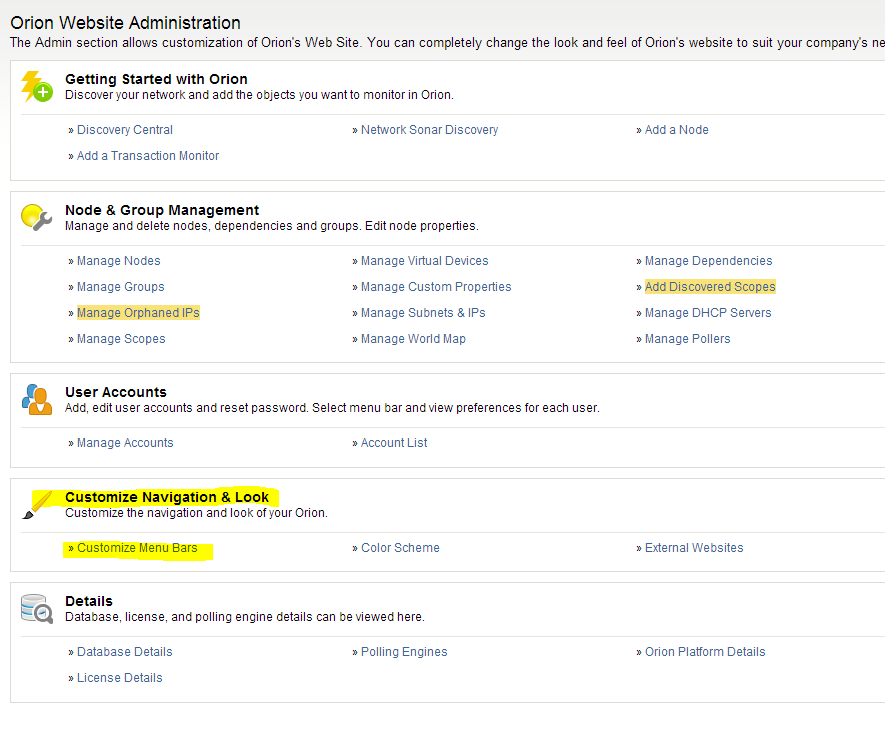
If there is not this menu then you have to customize your menu bar. For that you have to go to Settings(Website Administration) and click on "Customize Menu Bars"
Here you can add Jobs or delete it.
regards,
flo
I´m using NCM v7.1.1, so I need use Windows schedule task to create jobs.
(I saw that in NCM 7.1 Admin guide)
You are right. The job management was moved to the Web UI in NCM 7.2.
Regards,
Jiri