We need to upgraded MatLab on 50 some computers and the install process typically takes 30 to 60 minutes to complete. Therefore I volunteered to try to create a package in Patch Manger to upgrade these installs. The install package for MatLab has numerous subfolders and is 2.7 GB in size. I have placed in on network share (i.e. \\Server\Share). If the install files didn’t have folders then I would have consider placing all 2.7 GB into a package in Patch Manager (from what I have experience when importing files with Patch Manager, it removes all folders and places all files at the same top level – if there is a different way to import need files with subdirectories then please let me know). I have created a .cmd file that will use this network share and preform a silent install as needed (and I have confirmed that it does preform a silent install as we need). This cmd file contains the following code (MatLab_R2013a_Win_Install.cmd):
@ECHO OFF
pushd \\Server\Share
start /wait setup.exe -inputFile \\Server\Share\installer_input.txt
This is the XML in Package Boot to perform the install:
<program failureaction="stop"enabled="true"name="cmd.exe"type="exe"typeaction="runandwait"pathtype="simplepath"path="%WinDir%\system32"successcode="0">start /wait /c %MODULEPATH%\MatLab_R2013a_Win_Install.cmd</program>
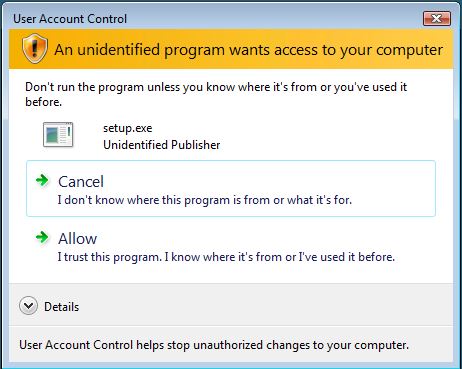
When this package runs on computer needing the package it completes in a few seconds and Windows Update states it was successful and then the package it ready to installed again by Windows Update (because MatLab wasn’t installed). Watching Task Manager shows that setup.exe (from the network share) runs for a couple seconds and then quiets and there is nothing in the Windows Event Logs to indicate what is occurring.
My priority is get a package working to prevent our Help Desk from spend a large number of hours manually preform these upgrades. Any suggestions would be greatly appreciated.