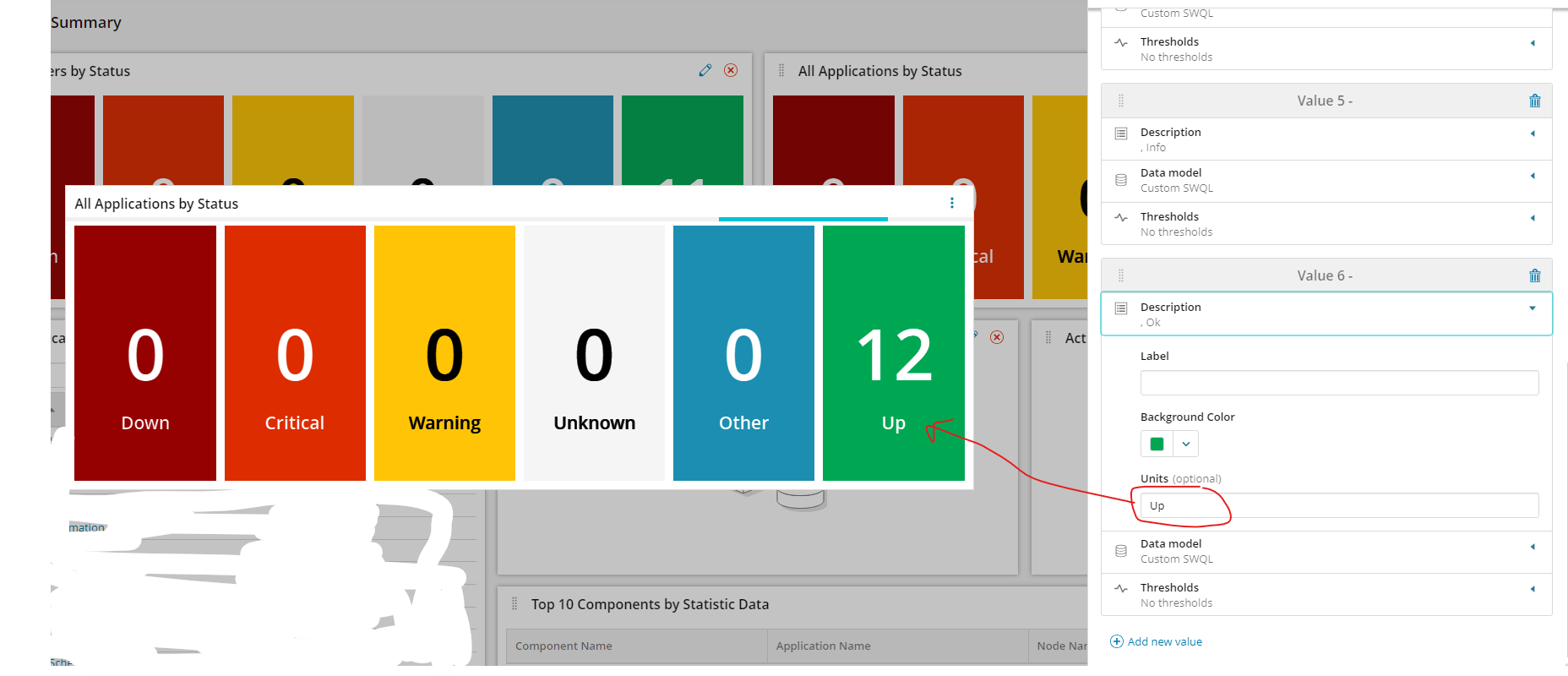
Has anyone updated the following Server as well as Network Modern dashboard. The data shows up for me but when you click on any number it wont take me to the details list of it. Thank youAll in on Modern Dashboards
Ah I see where you are getting this now. I thought you were talking about a table widget. The problem you are seeing is there isn't anything to link to. KPI widgets don't create another dashboard for you based on your query.
You could create individual KPI widgets for each node status.
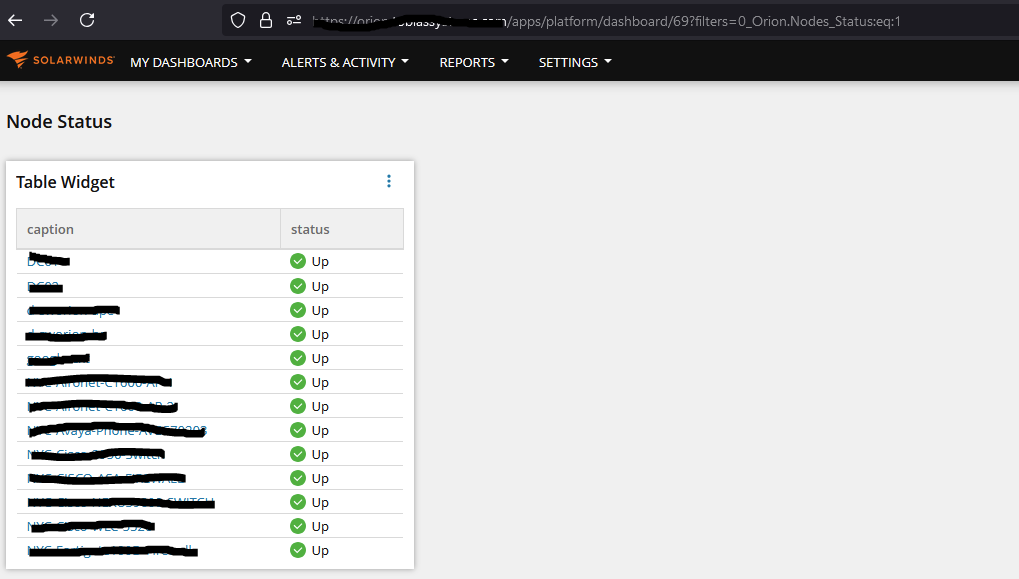
You would also have to create another dashboard with a widget that just has information for all the up, down, critical or other status nodes. I just created a table widget with search enabled using a simple SWQL query:
Select n.caption, n.detailsurl, n.statusfrom orion.nodes n
In the Title and description area you can add a link to each of those and use URL parameters to filter for each condition:
/apps/platform/dashboard/?filters=0_Orion.Nodes_Status:eq:1
When you click the link button is should filter your dashboard:
We have tried to add another line to the query and call it 'As link':
SELECT COUNT(NodeID) as value , '/apps/platform/dashboard/69?filters=0_Orion.Nodes_Status:eq:1' as LinkFROM Orion.Nodes WHERE (Status =1)
However the KPI widget doesn't allow the box to be clickable when doing this on 2024.2.1.
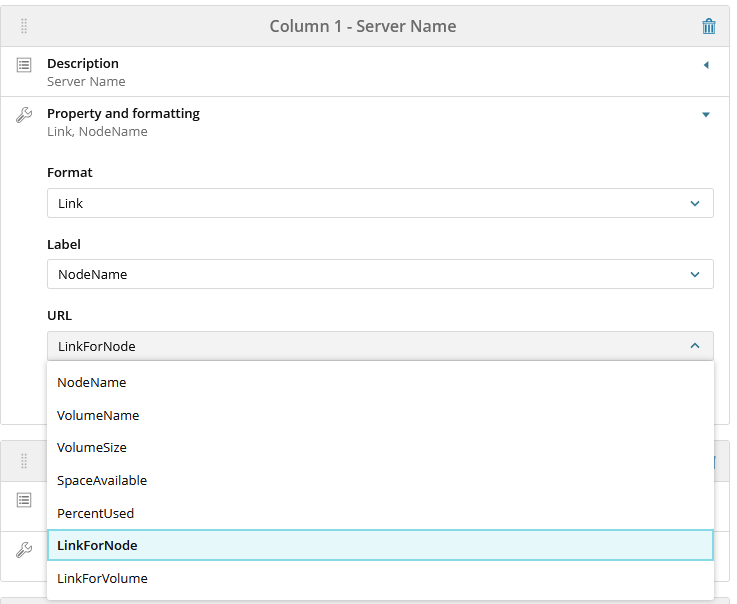
What does your configuration look like for the name column? It should be something like this:
The field that you are looking for is detailsurl according to the documentation on that article.
Does not even give me that option. If i click on that number 12, it does nothing. Seems like ill need to add something to the query for those extra rows to show up
I wanted to advise that while on 2024.2.1 officially there is no fix there is a workaround you can do via the API.I have been battling this bug as it also exists on 2025.1.1 and it is frustrating.The issue is that the KPI widget pre 2024.2.1 version when using the link code added the following code to the end of the KPI code: "properties":{"configuration":{"interactive":true},"widgetData":{"label":" ",However, on 2024.2.1 and newer versions it no longer addes the segment: {"configuration":{"interactive":true} before the widgetData so you get the KPI widgetdata but no link interaction.The table in SWQL Studio this exists is named: Orion.Dashboards.Widgets and it supports CRUD operations. Therefore if you can identify which widgetID is affected then you can use the following code to perform a replace as the entire value of the Configuration under the Orion.Dashboards.Widgets is essentially a "string".You will need to declare the $user and $pw parameters or pass it along using some other more secure method. I just figured this out in my lab environment so I have not rewritten this yet for my production process.import-module SwisPowershell$swis = Connect-Swis -username $user -password $pw$portQuery = "SELECT URI, WidgetID, Subtitle, Type, Configuration FROM Orion.Dashboards.Widgets WHERE WidgetID = *insert your widgetID here*"$Widget = Get-SwisData $swis $portQueryif ($Widget.Configuration -like '*"properties":{"widgetData":*' ) {$AddInteractive = $Widget.Configuration -replace '"properties":{"widgetData":', '"properties":{"configuration":{"interactive":true},"widgetData":'}Set-SwisObject -SwisConnection $swis -URI $Widget.URI -Properties @{Configuration=$AddInteractive}