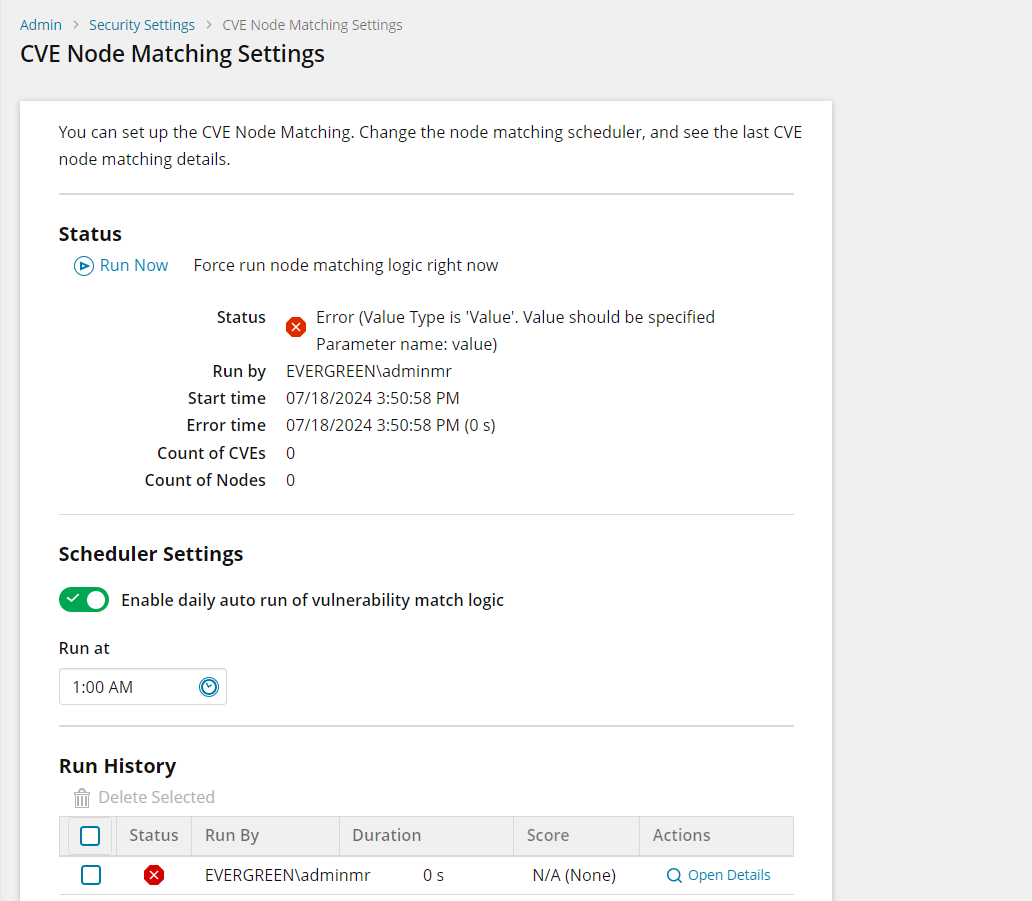
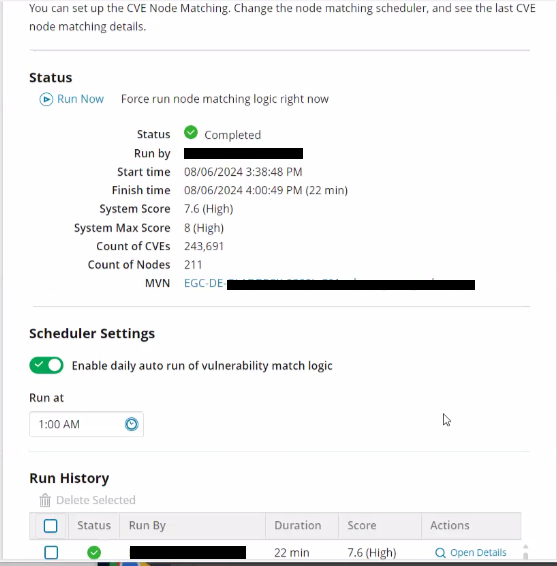
Can anyone tell me how to set up CVE node matching, I don't appear to have any options whatsoever.
Solar Winds is telling me I need to set up node matching, but where!!????
i got the same problem now on my sidewas working before update to 2024.2
Me three!
If you're seeing this issue, please create a support case and ask to have it tagged to OO-35839. We want to track all affected instances of this. Thank you!
I created a case, the issue is caused by an software bug when you have SW installed on a virtual server. there is a script to be run against the SW database which resolved the issue for me.
Didnt know this was a setting, what's it under?
Hi Team,Here is the answer I got from the SolarWinds support, it worked for me : Kindly refer to the below steps.
Resolution Workaround is to run the following script.
-- Scripts are not supported under any SolarWinds support program or service. -- Scripts are provided AS IS without warranty of any kind. SolarWinds further -- disclaims all warranties including, without limitation, any implied warranties -- of merchantability or of fitness for a particular purpose. The risk arising -- out of the use or performance of the scripts and documentation stays with you. -- In no event shall SolarWinds or anyone else involved in the creation, -- production, or delivery of the scripts be liable for any damages whatsoever -- (including, without limitation, damages for loss of business profits, business -- interruption, loss of business information, or other pecuniary loss) arising -- out of the use of or inability to use the scripts or documentation.
INSERT INTO [dbo].[SecObs_Vulnerability_Ignored_Nodes] ([NodeId])SELECT [vcenter].[NodeID]FROM [dbo].[VIM_VCenters] AS [vcenter]LEFT JOIN [dbo].[SecObs_Vulnerability_Ignored_Nodes] AS [ignored] ON [vcenter].[NodeID] = [ignored].[NodeId]WHERE [ignored].[NodeId] IS NULL AND [vcenter].[VMwareProductName] = 'VMware vCenter Server'
NOTE: Backup the database before executing. Then go to Settings > All Settings > Security Settings > CVE Data Import Settings and then RUN the job to download the CVEs. Then proceed to go to CVE Node Matching Settings and click Run and it should work.
Settings -> Security -> right hand column
On first run had the same issue as above
Looks like this script ignores all vcenters. Did they mention why that's the fix? Seems like vcenters also get their vulns
What do you do with it once it's working if you dont mind me asking?Maybe, how do you use it?
Yes it's something about vcenter vulnerabilities but I have no idea what it is exactly.